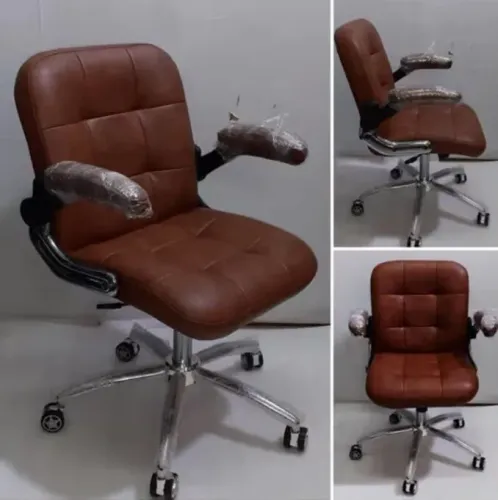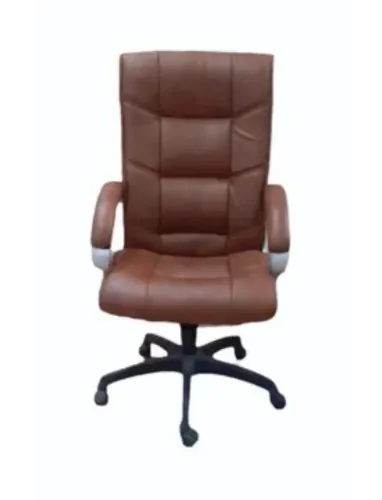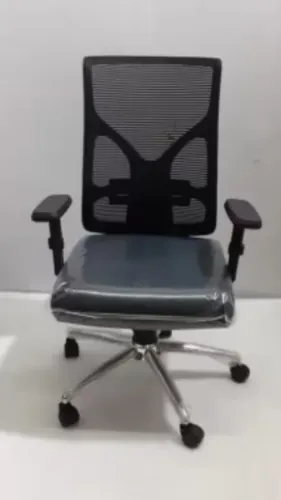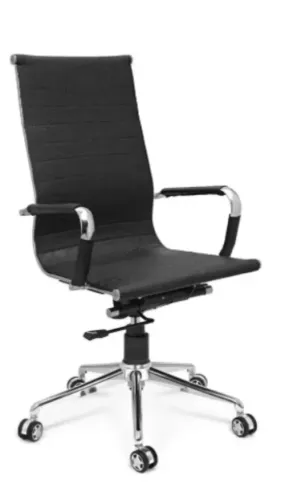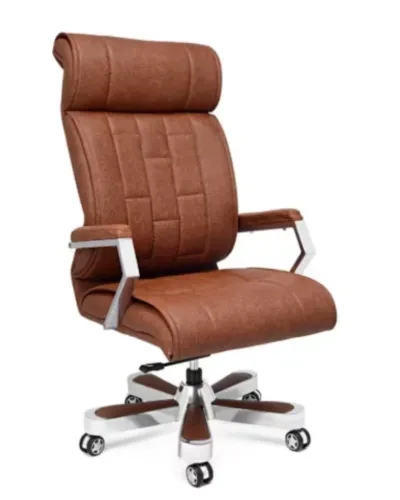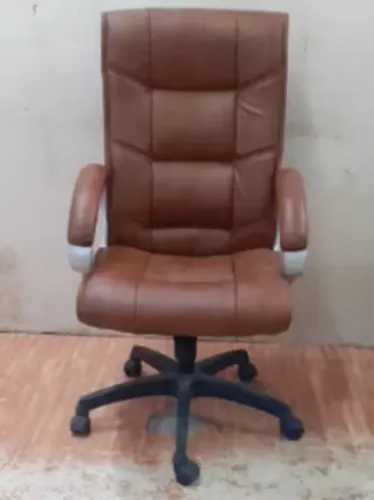
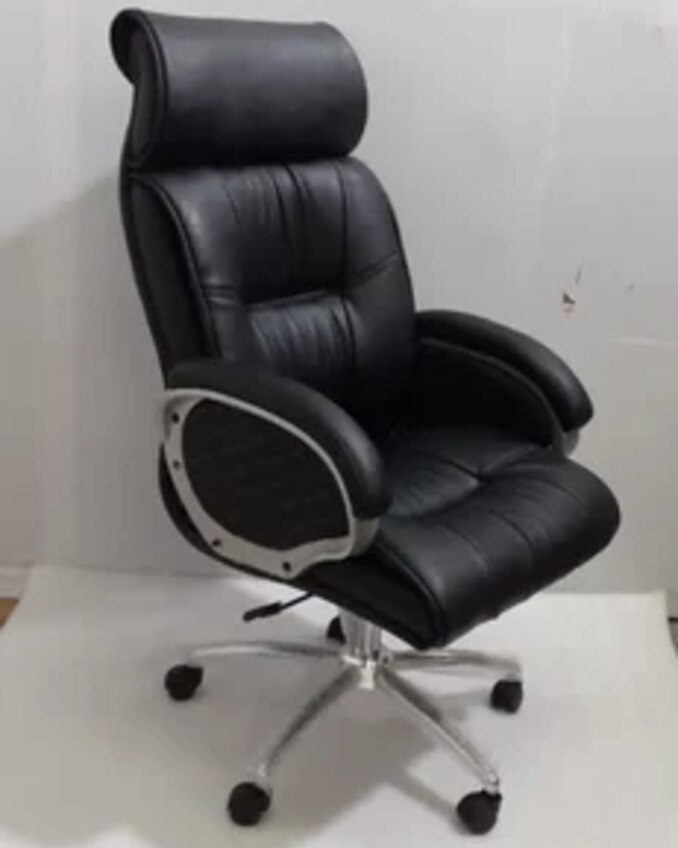
A black leather chair can suit a formal cabin, but appearance alone says little about fit, adjustment range, upholstery construction, or eight-hour support. Use the decision framework below to compare back heights, verify measurements, identify the material, test the mechanisms, and specify safety or ESD requirements before you buy.
Key takeaways
- Choose high-back seating for long sessions and reclined calls.
- Measure the user, desk height, seat depth, and cabin clearance.
- Confirm whether the upholstery is leather, leatherette, or bonded material.
- Test lumbar support, seat adjustment, recline, casters, and base stability.
Choose the back height for the work, not the title on the door
Choose a high-back office chair when the user spends long, uninterrupted periods seated or reclines during calls, reviews, and meetings. Choose a mid-back office chair for active desk work; reserve a low-back office chair for short visits, compact desks, or occasional guest seating.
| Option | Best use in professional cabin seating | Main caution |
|---|---|---|
| High-back office chair | Full-day work, meetings, reclined reading, and stronger upper-back support | Check that its height, recline, and headrest do not obstruct sightlines or strike shelving |
| Mid-back office chair | Focused desk work with frequent reaching, standing, and movement | It provides less upper-back support during long reclined sessions |
| Low-back office chair | Brief meetings, reception-style use, or restricted spaces | It leaves the upper back unsupported during extended work |
For a fixed-height worksurface, test the chair at the actual desk rather than judging it by appearance. Arms that are too high or wide force shoulder elevation or prevent the user from approaching the desk, causing forward reaching.
Specify these points before approval:
- Armrest height range, width, and clearance from the desk edge
- Whether the arms lower, move backward, pivot, or detach
- Recline lock positions and lumbar-support adjustment
- Clearance between the chair arms, desk pedestal, and cabin furniture
- Whether the tallest user can sit without the backrest or headrest hitting shelves, panels, or window ledges
A tall back is useful only when it supports the work and fits the room.
Measure the chair against the user, desk, and cabin furniture
A chair fits when its usable dimensions match the seated person and leave enough clearance around the desk. Measure the user in work shoes, then compare those measurements with the manufacturer’s usable ranges rather than the chair’s overall size.
| Dimension | What to verify | Failure sign |
|---|---|---|
| Seat width | Compare the usable cushion width with the user’s hip width, leaving room for normal clothing | Tight thighs or armrests pressing the hips |
| Seat depth | Prefer a sliding pan or documented usable range; leave 50–75 mm between the seat edge and the knees | Excess depth prevents backrest contact; too little depth reduces thigh support |
| Seat-height range | The user’s feet must rest flat while the elbows meet the worksurface without raised shoulders | Feet dangle, or knees sit higher than the hips |
| Backrest height | Check that the back supports the intended shoulder and lumbar area without striking the head or cabin wall | Support ends below the shoulders, or the chair collides when reclined |
| Armrest clearance | Confirm arm height, width, and whether the arms lower, move back, or detach | Arms hit the desk underside or stop the chair before it reaches the desk |
Measure the fixed desk height and the clear space beneath it, including drawers and modesty panels. Then measure the gap between chair arms, desk sides, visitor chairs, cabinets, and the wall; a wide chair can fit the room yet block movement.
Test the recline lock, tension, and synchronized seat-back movement with the user seated, because a reclining mechanism alone proves nothing.
Identify the upholstery and plan for black’s visible wear
Do not approve “black leather” as a sufficient specification. Ask for the material construction: genuine leather, corrected-grain leather, split leather with a coating, bonded leather, PU leather, or leatherette upholstery.
A visual grain pattern proves little because embossing can imitate hide. Bonded leather contains leather fibres pressed with binders and a surface coating; PU leather can mean polyurethane-coated leather or a fully synthetic polyurethane material, so require the supplier’s definition. Leatherette is synthetic upholstery, commonly PVC or polyurethane, with no hide content.
- Read the upholstery label and product data sheet for hide content, backing material, coating, and thickness.
- Inspect an exposed underside, seam allowance, or concealed edge; genuine leather shows an irregular fibrous structure, while synthetic material shows a woven, knitted, or uniform backing.
- Check whether the purchase order names the face material, coating, seam construction, permitted cleaners, and warranty exclusions.
- Request an abrasion, flexing, and cleaning specification for the actual finish, not a claim based only on the word “leather.”
Black makes dust, lint, fingerprints, skin oil, and fine scratches easy to see. Wipe high-contact areas with the supplier-approved cleaner, remove grit before rubbing, and inspect seams and arm pads weekly in shared cabins. Test alcohol, quaternary-ammonium disinfectants, solvents, or alkaline cleaners on a hidden area first; they can dull or embrittle coated upholstery.
Near a window, black absorbs heat and can become uncomfortable. For an ESD workstation, verify the complete chair, casters, grounding path, and intended floor configuration; black upholstery alone proves nothing.
Compare leather with fabric, mesh, and leatherette before committing
For a professional cabin, genuine leather offers the strongest appearance and wipe-clean surface, while fabric usually wins for breathable long sitting; mesh provides the most ventilation but the least formal presence. Your leather office chair comparison should weigh the user’s hours, room temperature, cleaning chemicals, and visual expectations together.
| Option | Ventilation and sitting | Appearance, cleaning, and noise |
|---|---|---|
| Genuine leather | Warmer and less breathable than fabric or mesh; comfortable for long sessions if the foam and seat shape are good | Formal, quiet, and easy to wipe; alcohol, solvents, quaternary-ammonium disinfectants, and alkaline cleaners can damage the finish |
| Fabric office chair | Breathable, forgiving in cold and warm rooms, and comfortable for extended sitting | Broad colour choice and quiet contact; traps dust and stains, so spot cleaning and extraction take longer |
| Mesh office chair | Best airflow and least heat buildup during long sessions | Modern appearance; catches dust, can make clothing noise, and resists liquid spills only if the frame and cushion are also cleanable |
| Leatherette | Less breathable than fabric and prone to heat buildup; comfort depends heavily on foam | Consistent leather-like appearance and low initial cleaning effort; leatherette maintenance must follow the supplier’s approved chemicals because coatings can crack or lose gloss |
Test the actual upholstery with the proposed cleaning protocol before ordering a fleet. For an ESD workstation, do not assume leather or leatherette is safe: verify the complete chair, casters, floor path, and grounding arrangement in the installed configuration.
Specify the adjustments, tests, and standards that matter in procurement
Approve the chair only after a loaded, in-configuration trial, not from photographs or a showroom sample. Record the model, revision, upholstery specification, warranty, supported user-weight range, and every adjustment range in the purchase file.
1. Test seat-height control against the actual desk. The user’s feet must rest flat while the thighs stay level and the keyboard remains reachable. Check armrest height, width, fore-aft movement, and removal; arms that hit a fixed worksurface force raised shoulders or forward reaching.
2. Test the tilt system through its full travel. Record whether the tilt lock holds at the required positions, whether tension adjustment prevents sudden recline, and whether the backrest remains supportive at each angle. Name the mechanism as a synchro tilt mechanism only when the supplier documents coordinated seat-and-back movement; reclining alone proves little.
3. Apply ANSI/BIFMA X5.1 documentation to structural strength, stability, caster and base performance, and durability. Treat the pass report as a safety and durability record, not proof of ergonomic fit, leather quality, or suitability for every user.
4. For an ESD workstation, request resistance limits, test method, grounding arrangement, and inspection procedure. ANSI/ESD S20.20 governs the facility programme, not every chair sold with an “ESD” label. Test the complete chair—upholstery, foam, frame, base, casters, and ground path—on the intended floor or mat, then repeat after cleaning and wear checks.
For a laboratory or electronics buyer, Inditech Engineer-Office Chair Manufacturer should provide the same test records and configuration details before approval, rather than relying on the product name. Keep the signed acceptance result with the asset record.
Related products
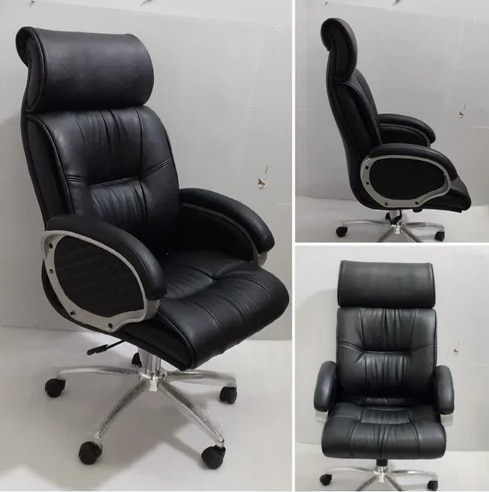 | Office Chair Black Leather High Back Office Revolving Chair ₹4500 Executive Style | Premium Comfort | Built to Last Add a touch of sophistication and authority to your office with the Black Leather High Back Office... View product → |
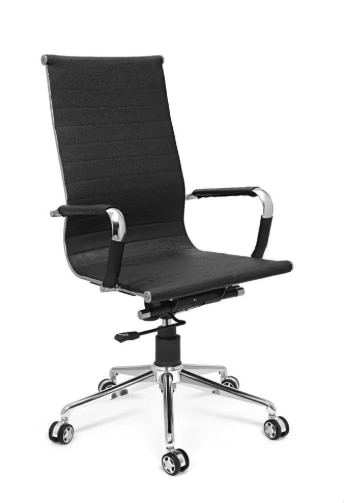 | Revolving Chair ₹3500 Inditech Engineer offers premium quality Black Leather Office Chair, designed to deliver superior comfort, professional style, and long-lasting... View product → |
Frequently asked questions
Should you choose a high-back, mid-back, or low-back office chair?
Choose high-back seating for long uninterrupted sessions or reclined calls, mid-back seating for active desk work, and low-back seating for short visits or occasional guests.
How do you measure an office chair for a user and desk?
Check seat height against the user’s feet and desk, seat depth against thigh support, armrest clearance under the desk, and the chair’s footprint against cabin furniture.
How can you tell what black upholstery a chair uses?
Ask whether it is genuine leather, bonded leather, polyurethane leatherette, or another coated material, then inspect seams, edges, grain consistency, and the care instructions.
What should you compare before choosing leather over fabric or mesh?
Compare heat retention, cleanability, durability, tactile comfort, breathability, appearance, and replacement or maintenance requirements for the workspace.
What should procurement teams test before approving a chair?
Test seat-height adjustment, recline lock, lumbar support, armrest movement, casters, five-star base stability, and the stated load rating, then request product specifications and applicable test documents.