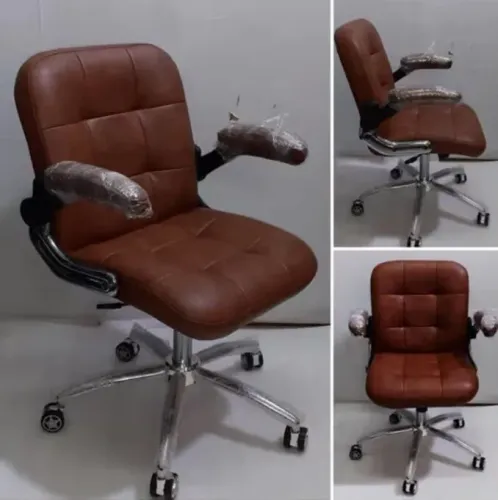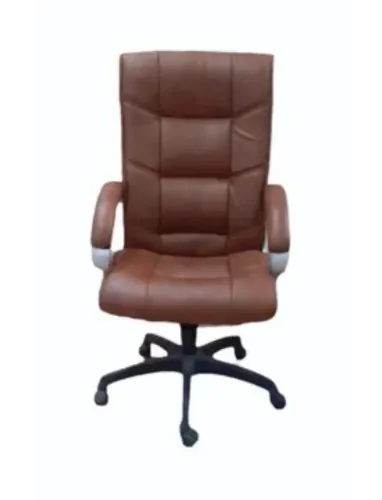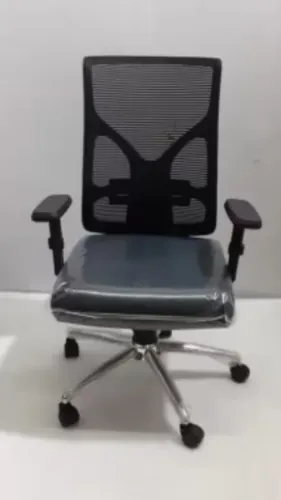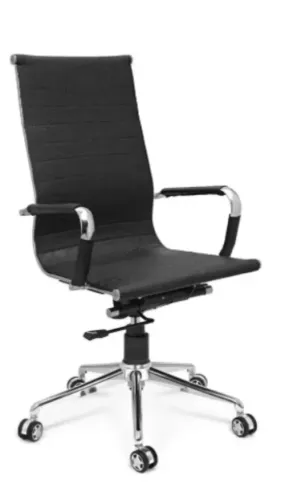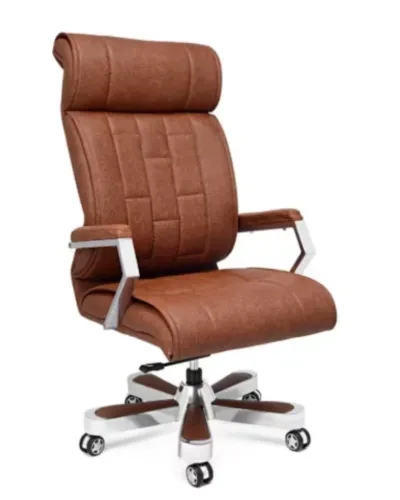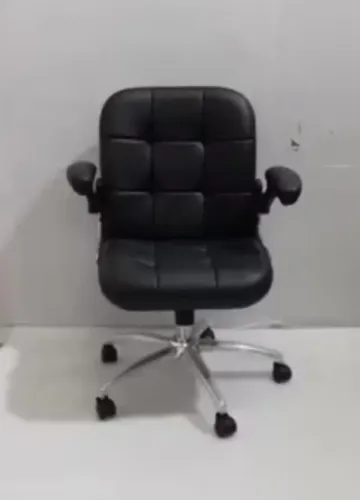
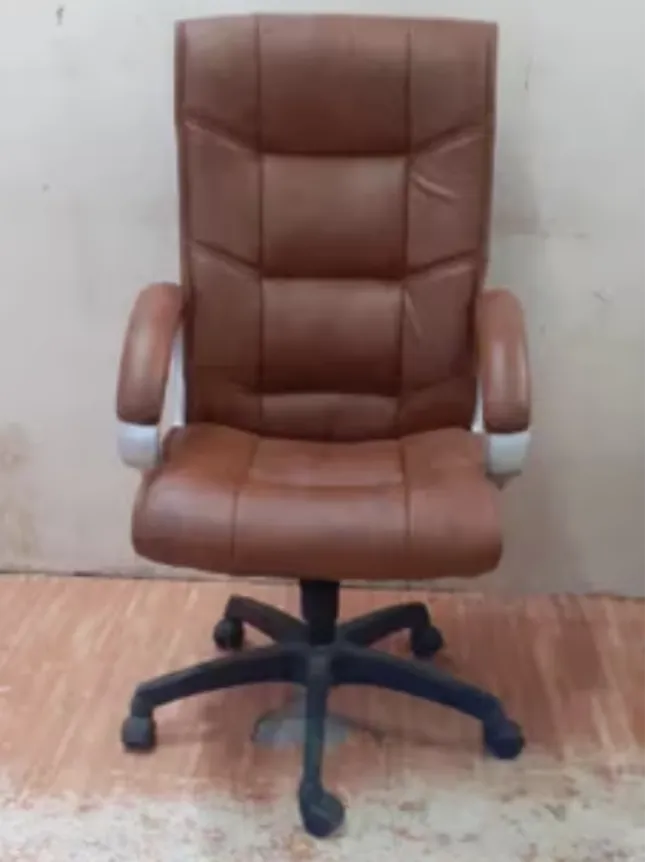
Ergonomic seating is frequently marketed through long feature lists, but ergonomics is not created by a single mechanism or label. A chair works effectively only when its dimensions and adjustments can be matched to the user, desk, equipment, and tasks being performed.
That makes selecting an Ergonomic Office Chair a process of evaluating fit rather than simply choosing the model with the most controls.
Start With Adjustability
Seat height is one of the fundamental adjustments because it affects how the user sits relative to both the floor and work surface.
Depending on the chair, additional adjustments may include lumbar support, armrest height, backrest angle, tilt tension, seat depth, and headrest position.
These features can be useful when they allow the chair to accommodate different users.
For shared workstations in IT companies and flexible offices, adjustability becomes particularly valuable because the same chair may be used by people with different body proportions.
Check the Seat Carefully
Seat depth is often overlooked.
A very deep seat may prevent a shorter user from sitting comfortably against the backrest. A seat that is too shallow can provide inadequate support for another user.
Width, edge shape, cushioning, and upholstery should also be evaluated.
There is no universal chair dimension that works perfectly for everyone.
Match Armrests With Desk Height
Armrests can provide useful support but can also create problems if they prevent the chair from approaching the desk.
Before ordering, compare armrest height with the underside of the workstation.
Adjustable armrests can provide additional flexibility, particularly in offices where desks and employees vary.
Remember That a Chair Is Only Part of Ergonomics
Even an appropriately configured chair cannot correct every workstation issue.
Monitor height, keyboard position, mouse placement, desk dimensions, lighting, work habits, and movement breaks all contribute to the working environment.
Employees should also change position periodically rather than treating any chair as a reason to remain motionless for an entire working day.
Introduce New Chairs Properly
When new chairs arrive, employees should be shown how the major controls operate.
A useful setup sequence is:
- Adjust seat height relative to the workstation.
- Position the backrest or lumbar support.
- Set armrests where available.
- Adjust tilt according to the user's preferred working position.
- Check keyboard and monitor placement.
- Reassess the setup after using the chair during normal work.
No medical recovery period is associated with ordinary office-chair replacement. The relevant process is familiarisation and adjustment, particularly when users are moving from very different seating.
Inditech Engineer manufactures and supplies seating for workplaces in Delhi, including ergonomic configurations for corporate and commercial applications.
Ergonomic Chair FAQs
Does an ergonomic label guarantee comfort?
No. User fit, adjustment range, workstation setup, and individual preference remain important.
How many adjustment features are necessary?
There is no universal number. Features should correspond to the users and tasks involved.
Can ergonomic chairs be purchased in bulk?
Yes. Before standardising a model, businesses should consider the range of employees who will use it and whether the available adjustments accommodate that group.
Good ergonomic seating does not require unnecessary complexity. It requires thoughtful alignment between the chair, the person, the workstation, and the work being performed.
Keywords