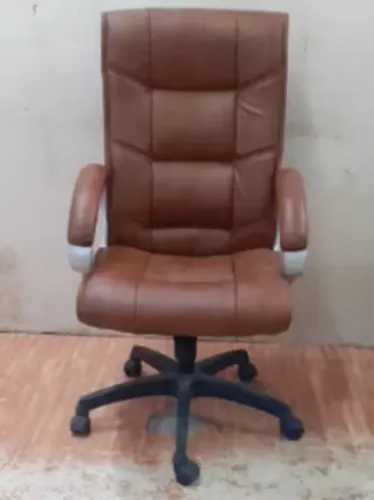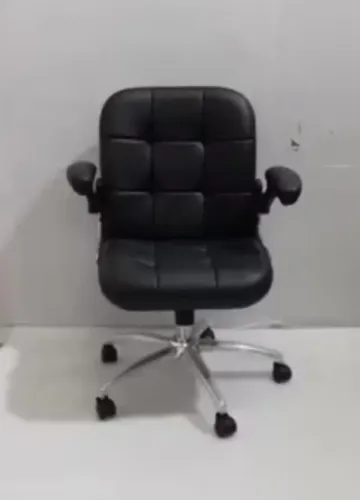
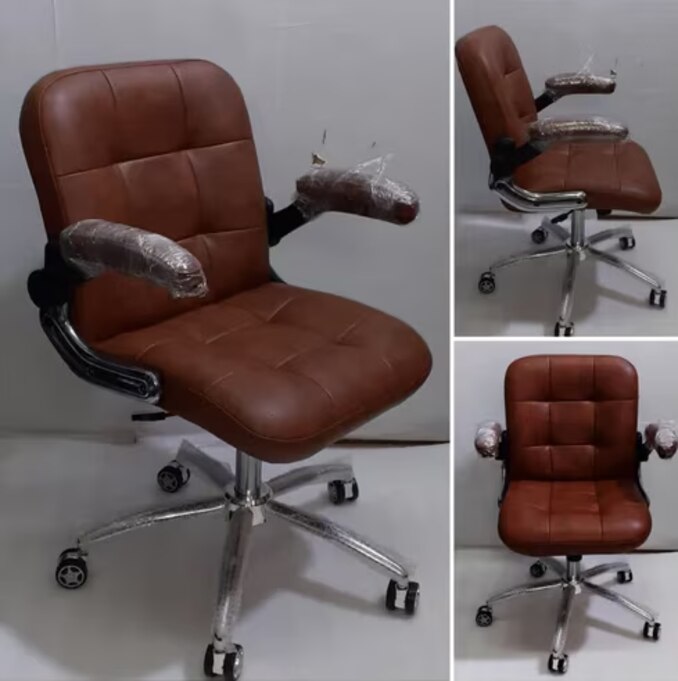
Eight hours of desk work exposes weaknesses that a showroom trial can hide: a seat pan that presses behind the knees, lumbar support that misses the spine, or armrests that keep you away from the desk. By the end, you will be able to translate working conditions into measurable chair specifications, test the fit, and ask manufacturers for evidence on mechanisms, materials, movement and ESD performance.
Key takeaways
- Measure lower-leg length, thigh length, hip breadth and torso height before selecting a chair.
- Set seat height, depth, backrest and armrests to your body and workstation.
- Compare recline, arm support and cushion construction together, not as isolated features.
- Request movement, ESD and durability test evidence for your actual floor conditions.
Start with the user’s measurements, not a generic ergonomic label
Measure lower-leg length, thigh length, hip breadth and torso height before choosing a chair. Those measurements determine whether you can keep your feet flat, thighs nearly horizontal, lower legs vertical and knees close to 90 degrees without pressure behind them.
| Feature | Fit target | Failure if wrong |
|---|---|---|
| Seat-height range | Low enough for flat feet and high enough for thighs to clear the desk | Feet dangle, knees rise or shoulders lift toward the keyboard |
| Seat depth | Leave two to three fingers between the seat edge and the back of each knee | Excess depth presses the knee or forces you to perch forward |
| Seat width | Support the hips without trapping movement | A narrow pan pinches; excessive width leaves armrests too far apart |
| Backrest height | Place lumbar support against the lower back and support the upper torso | A fixed curve misses the lumbar area, despite looking ergonomic |
| Recline angle | Permit upright keyboard work and supported backward movement | A rigid back increases fatigue; excessive recline pulls you from the desk |
Specify the seat-height range against the shortest and tallest users, not an average employee. Check seat depth while seated fully back: the two- to three-finger gap must remain when the backrest is upright. Adjustable lumbar support is a sliding or ratcheting pad whose height or depth changes; a permanently curved backrest is not equivalent.
Armrest width, height and depth must also let your elbows align with the desk without blocking close approach.
Turn the fitting process into a repeatable workstation setup
Set the chair, desk and display as one system, using the same sequence each time. A chair that feels comfortable alone can force raised shoulders or a bent neck once the keyboard and screen are in place.
1. Adjust seat height until your feet flatly contact the floor, your thighs are close to horizontal and your lower legs remain vertical. Check the knee angle: aim for about 90 degrees, with no pressure behind the knees.
2. Set seat depth so you can sit fully back while leaving two to three fingers between the seat edge and your knee crease. Shorter users need a shorter pan; taller users need enough depth to support the thighs without using the edge.
3. Move the backrest and lumbar-support position to meet your lower back, rather than treating a permanently curved back as adjustable support. Set recline tension so you can change hip and trunk angle without drifting away from the desk.
4. Raise or lower the desk, chair or keyboard tray until your forearms are level and elbow alignment matches the work surface. Keep shoulders relaxed; armrests must support the forearms without blocking your approach to the desk.
5. Place the display directly ahead, with its top near eye level and the screen far enough away to read without leaning forward. Recheck the setup after reclining, because monitor height and keyboard reach change with your posture.
Compare recline, arm support and cushion construction as a system
Comfort and control come from matching recline resistance, arm geometry and pressure distribution—not from selecting each feature independently. Test the mechanism at the intended desk: a recline that feels smooth in a showroom can push your eyes away from the monitor or your hands away from the keyboard.
| Mechanism | Comfort benefit | Control risk |
|---|---|---|
| Synchronous tilt | Coordinates seat and back movement as you change hip and trunk angle | Poor tension adjustment can make you brace against the desk |
| Free recline | Allows frequent posture changes during long work | Excessive movement can disrupt pointing, typing and monitor alignment |
| Locking recline | Holds a chosen working or resting angle | One fixed position can encourage static loading |
| Fixed-back mechanism | Keeps the backrest predictable during precision tasks | Removes movement that can reduce pressure during prolonged sitting |
Armrests should support the forearms without trapping the chair outside the desk. Check height, width, depth and pivot range; fixed arms can collide with a modesty panel, while excessive width prevents close keyboard access. Lower support for keyboard work may differ from the position needed for microscope work or material handling.
Cushion construction determines whether support lasts beyond the first hour. A contoured, layered foam cushion can distribute pressure while preserving pelvic stability; foam that compresses fully leaves the seat pan pressing into the thighs. A rounded front edge protects the underside of the knees, and a breathable cover reduces heat without replacing proper pressure distribution.
Adjust recline tension after setting arm support, because both controls affect how much weight your shoulders and hands carry.
Specify movement and ESD performance for the actual floor
An ESD chair is only as reliable as the path from the seated person to the grounding system. Specify the castor type, base diameter, upholstery, floor covering and grounding point together; conductive fabric alone does not control discharge.
Floor covering changes both rolling resistance and electrical performance:
| Floor covering | Design brief |
|---|---|
| Carpet | Use an ESD-rated carpet with compatible conductive or dissipative casters; ordinary carpet can insulate the chair and impede movement. |
| Vinyl | Confirm that the vinyl is conductive or dissipative, identify its resistance range and match the casters to that system. |
| Tile floors | Check whether the tile, grout and surface coating provide a tested ESD path; ordinary ceramic tile is not automatically suitable. |
Choose the castor type for the actual surface: soft wheels protect hard floors, while larger wheels roll more easily over carpet. Set the base diameter for stability and desk clearance, then verify that the five-star base and casters preserve continuity rather than assuming their materials do.
Define how the chair connects to the ESD floor and how the seated worker is grounded. Chair grounding cannot replace a personnel-grounding system using approved footwear, a floor-grounding network or another documented control. Measure the installed combination under a named ANSI/ESD or IEC 61340 method, recording voltage, electrodes, contact pressure, humidity and grounding point.
Ask Inditech Engineer-Office Chair Manufacturer to specify approved replacement casters, cleaning products and a periodic continuity check; worn wheels, floor coatings and contamination can break the path.
Related products
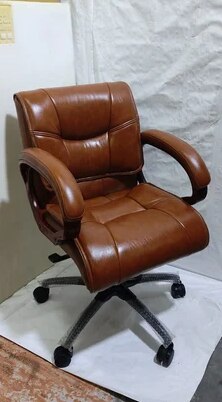 | Low Back Office Chair Leather Mid Back Office Revolving Chair ₹2500 Low Back Office Chair – Comfort Meets Productivity by INDI TECH ENGINEER Overview: Designed for professionals who seek the perfect balance between... View product → |
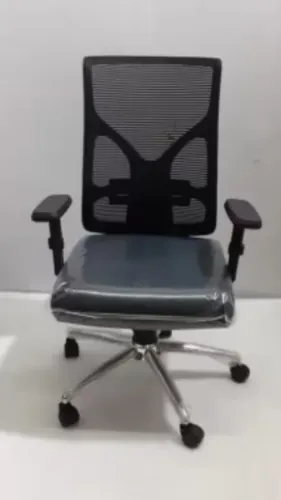
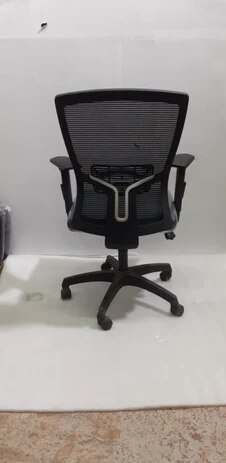 | Office Chair ₹3000 Ergonomic Design | Breathable Mesh | Dynamic Mobility Experience the perfect blend of comfort, airflow, and modern design with the Mesh Chair... View product → |
Demand test evidence instead of relying on labels or one weight figure
Before accepting a chair for long shifts, require test records rather than trusting a “24/7 chair” label or maximum-user-weight figure. A static load rating shows that a chair survived one force; it does not prove fatigue life, mechanism reliability or suitability for continuous use.
1. Request the durability test method, cycle count, test load, user-weight assumption, operating environment and warranty exclusions. Identify separate results for caster and base durability, backrest cycling, armrest cycling, swivel, tilt and seat mechanisms. BIFMA treats strength, stability and durability as distinct attributes.
2. If the supplier cites EN 1335, confirm the dimensional class and compare its adjustment envelope with your workforce. Passing EN 1335 does not make a chair suitable for every user’s height, leg length or working posture.
3. Ask for cushion hardness, thickness, geometry, edge profile, cover tension and pressure-distribution evidence. Foam density alone cannot predict eight-hour comfort or heat and moisture control.
4. For an ESD workplace, demand the resistance value, applied voltage, electrode arrangement, contact pressure, grounding point, floor and footwear conditions, humidity, conditioning procedure and cited ANSI/ESD or IEC 61340 test method. Verify chair grounding separately from personnel grounding; an ESD chair cannot replace a compliant personnel-grounding system.
Reject evidence that reports only one weight figure, one resistance number or a label without its test conditions.
Frequently asked questions
Which body measurements matter when choosing a workstation chair?
Measure lower-leg length, thigh length, hip breadth and torso height to assess seat height, depth, width and back support.
How do you turn chair fitting into a repeatable workstation setup?
Record the user’s measurements, desk height and monitor position, then set seat height, seat depth, backrest, recline tension and armrests in sequence.
What should you compare besides a chair’s ergonomic label?
Compare recline range, arm-support adjustment, cushion construction, seat dimensions and how those features work together during long sitting periods.
What evidence should a manufacturer provide for workplace seating?
Ask for documented durability, load, adjustment-cycle, caster and base testing, plus ESD resistance or dissipation data when the chair is used on an electronics floor.
Related products
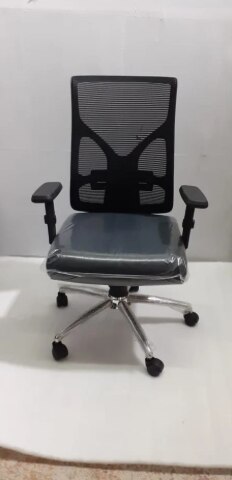 | Office Chair Fabric Low Back Office Fixed Arm Revolving Chair ₹2500 Comfortable. Compact. Cost-Effective. Upgrade your office seating with the Fabric Low Back Office Fixed Arm Revolving Chair from INDI TECH ENGINEER —... View product → |
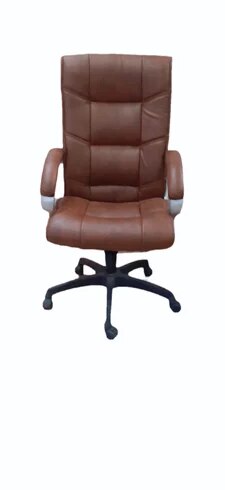 | Office Chair ₹2500 Modern Appeal | Easy Maintenance | Everyday Comfort Discover the perfect combination of style, durability, and value with Leatherette Office Chairs... View product → |
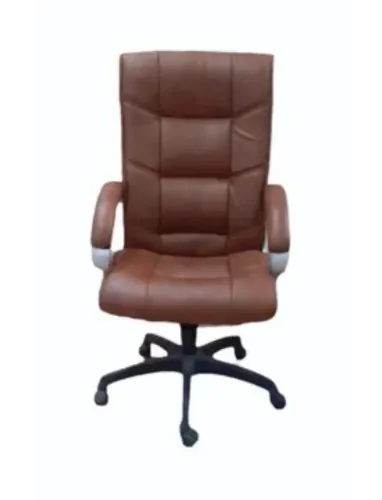
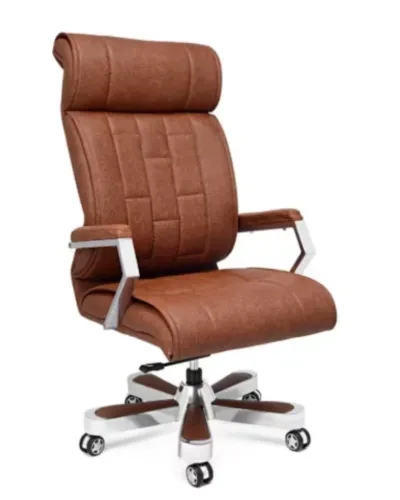
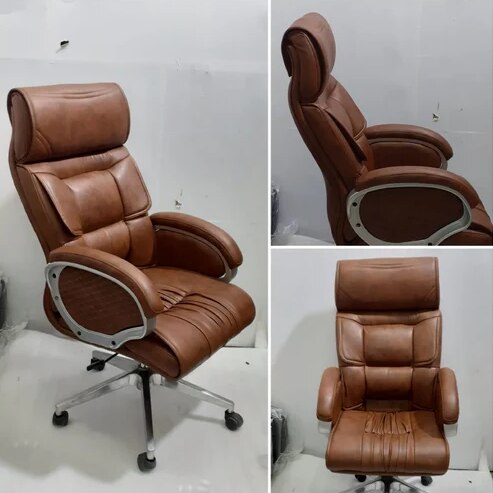 | Office Chair Brown Leather High Back Office Revolving Chair Brown Leather High Back Office Revolving Chair ₹4200 Brown Leather High Back Office Revolving Chair Premium Comfort | Executive Design | Long-Lasting Durability Upgrade your office seating experience... View product → |
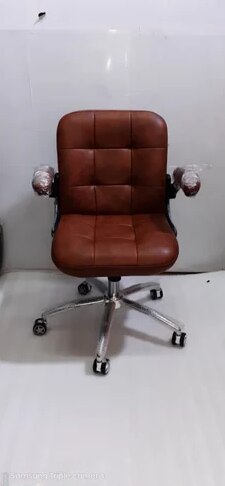 | Office Chair Brown Leather Office Low Back Revolving Chair ₹2500 Compact Comfort | Classic Design | Everyday Functionality The Brown Leather Office Low Back Revolving Chair by INDI TECH ENGINEER is designed to... View product → |