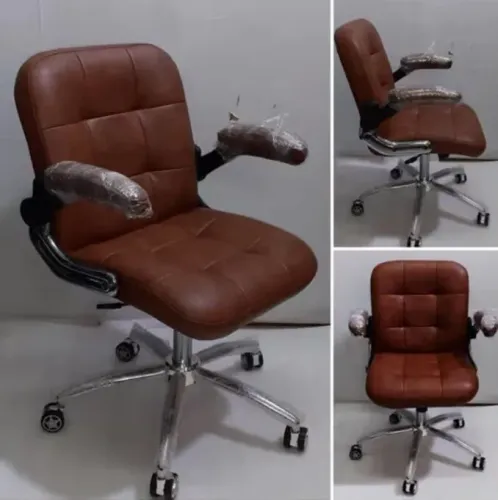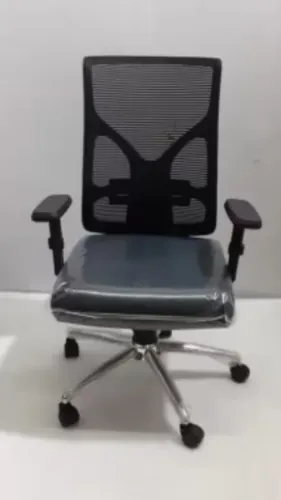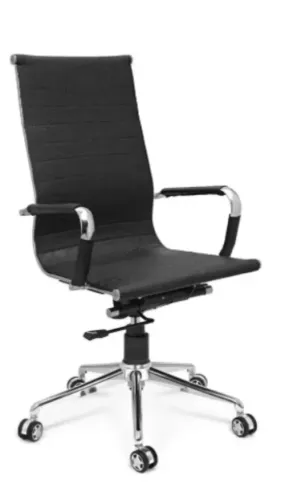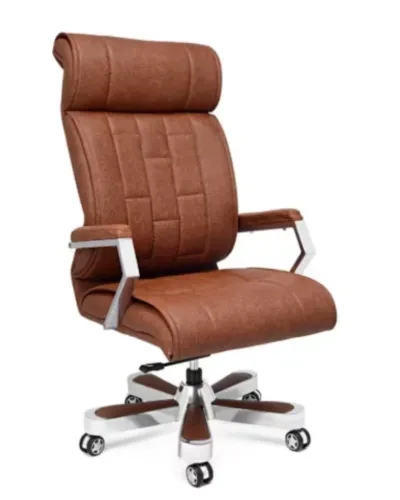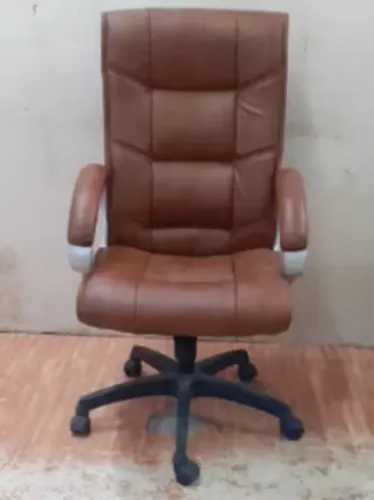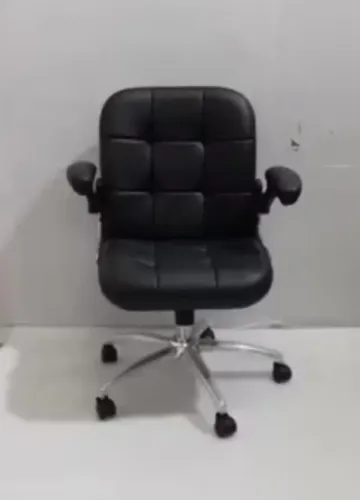
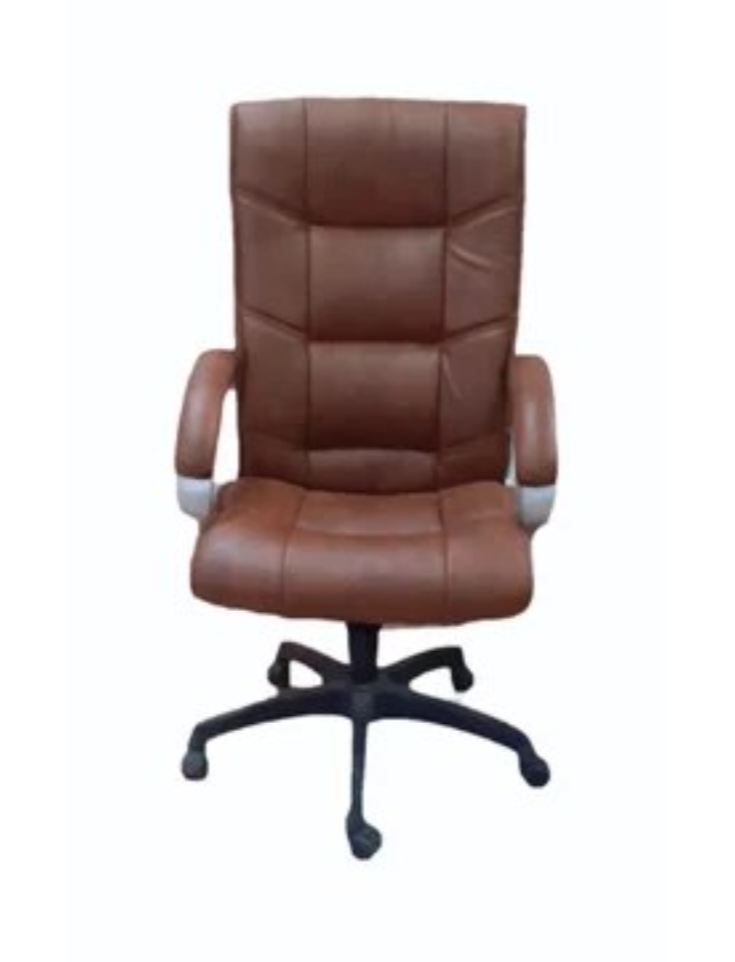
Computer-based work can involve hours of keyboard use, screen viewing, mouse movement, communication, and switching between digital and physical tasks. The chair becomes a central part of that workstation.
Choosing a Computer Chair Supplier should therefore begin with understanding how employees work rather than simply choosing a chair described as suitable for computers.
Define the Workstation First
Before comparing chairs, examine the desk.
Record its height, width, available legroom, monitor arrangement, keyboard position, and any under-desk storage. These details influence the chair dimensions that will work effectively.
A chair with fixed armrests, for example, may be difficult to position close to a desk with limited clearance.
Compact workstation clusters may also require chairs with controlled overall dimensions.
Prioritise Useful Adjustments
Computer users often benefit from being able to change chair height and sitting position.
Depending on the model and work requirement, useful features can include:
- Adjustable seat height
- Backrest support
- Tilt movement
- Adjustable armrests
- Lumbar support
- Seat-depth adjustment
- Headrest
- Smooth rotation and casters
The goal is not to maximise the number of mechanisms. It is to provide adjustments that users can understand and use.
Consider Different Computer-Based Roles
A graphic designer using multiple displays may move differently from an accounts employee working primarily with a keyboard. A programmer may spend long uninterrupted periods at a workstation, while a supervisor may frequently stand and move around the office.
This means job role can be useful when developing chair specifications.
In large Delhi offices, procurement teams can group similar roles and determine whether one chair model appropriately serves each group.
Include Technical Environments in the Assessment
Not every computer workstation is located in a conventional corporate office.
Electronics manufacturing facilities, testing areas, laboratories, PCB assembly operations, and industrial environments can combine computer work with specialised technical processes.
Where electrostatic discharge control is required, ordinary office seating should not automatically be treated as suitable. ESD or anti-static seating requirements should be determined according to the facility's technical control programme and applicable specifications.
Set Up the Chair After Delivery
Once installed, users should adjust their chairs to the workstation.
Start with seat height, then evaluate back support and armrests. Check whether the employee can access the keyboard and mouse comfortably without the desk forcing an awkward sitting position.
The monitor and other workstation equipment should also be reviewed because seating is only one element of the setup.
Employees may need a short familiarisation period after switching chair designs, particularly when the new chair provides adjustments that were not available previously.
Know the Signs of a Suitable Supplier
Before placing a significant order, businesses should look for a supplier that can discuss application, dimensions, specifications, quantity, and delivery requirements.
Inditech Engineer supplies office, ergonomic, and specialised seating for businesses in Delhi, including environments where conventional computer chairs and technical seating may need to be considered separately.
Computer Chair FAQs
Is a computer chair different from an executive chair?
It can be. Computer chairs often prioritise task-oriented adjustment and workstation compatibility, while executive models may place greater emphasis on size, upholstery, and cabin aesthetics.
Should computer chairs have armrests?
Armrests can be useful, but their height and position should work with the desk and user's preferred posture.
How should businesses maintain computer chairs?
Regularly inspect casters, bases, adjustment mechanisms, armrests, fasteners, seats, and backrests. Cleaning should be appropriate for the upholstery material.
Can the same chair be used in an electronics production area?
Not automatically. Facilities with ESD-control requirements should select seating according to their technical specifications.
A computer chair should ultimately fit three things at the same time: the employee, the workstation, and the work being performed. Evaluating all three gives procurement teams a stronger basis for selecting seating that remains practical after installation.
Keywords