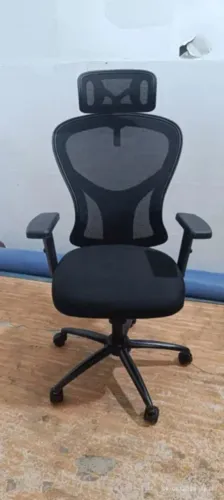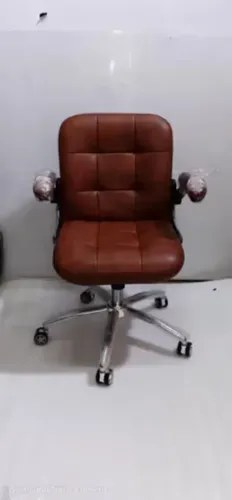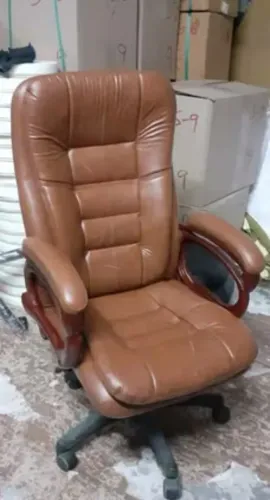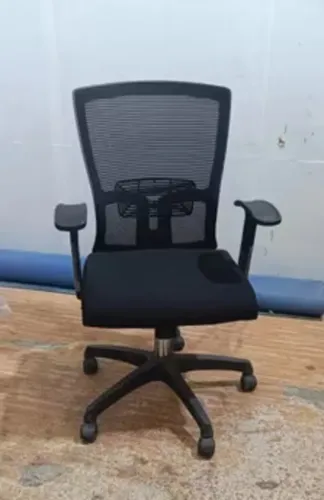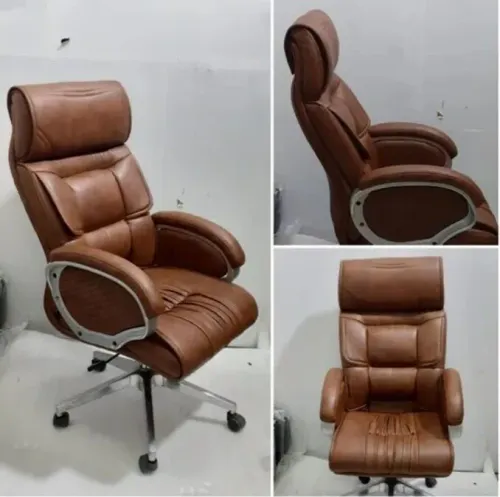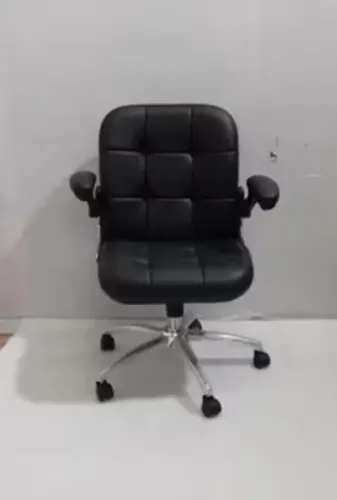
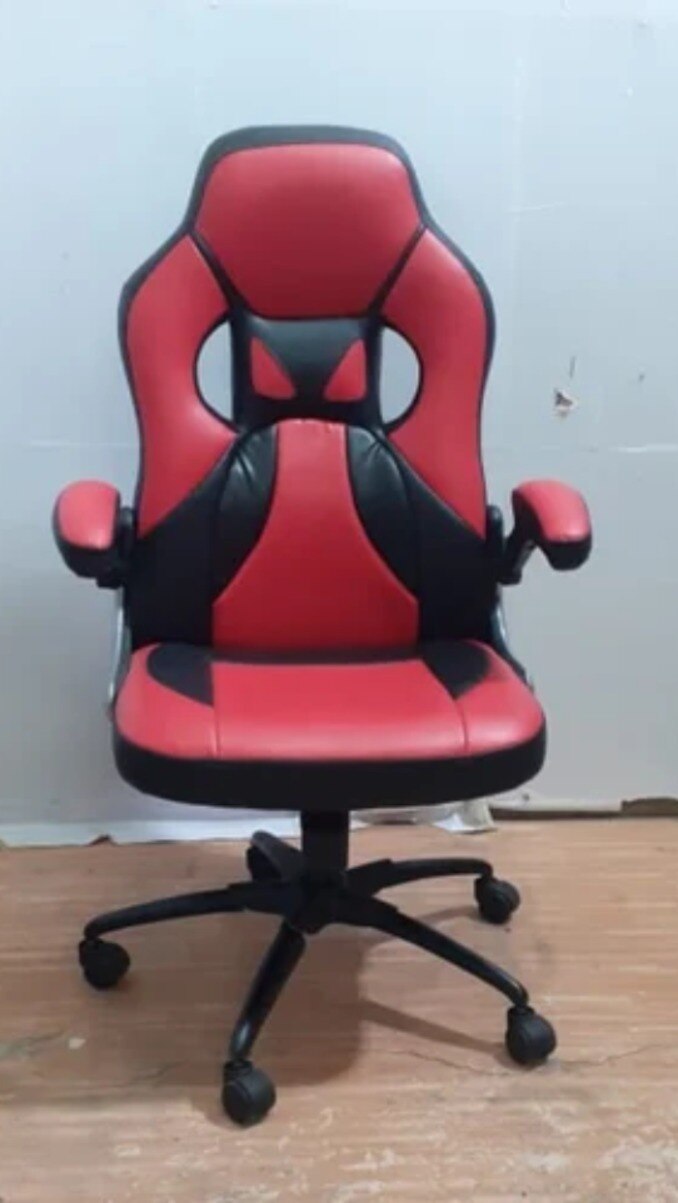
A gaming chair that looks substantial can still force your knees against the seat edge, leave your lower back unsupported, or raise your shoulders while you play. By checking dimensions, adjustment ranges, materials, test evidence, and warranty terms, you can compare suppliers against your actual body, desk, gaming style, and hours of use.
Key takeaways
- Match seat height, depth, armrests, and lumbar support to your body and desk.
- Treat racing-style design as appearance, not proof of ergonomic support.
- Test comfort through a full gaming session, not a short showroom sit.
- Ask suppliers for warranty terms, adjustment details, and durability evidence.
Turn Your Body and Gaming Desk Into a Chair Specification
Specify the chair from your body and workstation outward, not from its racing-style silhouette. Your gaming chair specifications must match leg length, desk height, monitor position, movement space, and the weight range the chair will carry.
| Dimension | Match it to | What to verify |
|---|---|---|
| Seat width and depth | Hip width, clothing, and thigh length | Measure usable space between bolsters; the seat edge must not press behind your knees. |
| Seat-height range | Your feet and desk height | At the lowest setting, feet stay flat; at the working setting, elbows reach the keyboard without raised shoulders. |
| Backrest height | Your torso and shoulder blades | Confirm the actual backrest height, plus lumbar-adjustment range, rather than relying on total chair height. |
| Armrest height and width | Desk surface, elbow position, and mouse movement | Check the pad clears the desk and supports your forearms without forcing them outward. |
| Recline range | Upright play and reclined monitor viewing | Ask whether the back locks, the seat tilts, and the armrests remain usable. |
| Base diameter and caster size | Available floor space and flooring | Leave clearance for rolling, cable routing, and leg movement; measure the footprint, not just the room. |
| Maximum user weight | Your body weight plus clothing and movement | Treat this as a load limit, not evidence of comfort or durability. |
A flatter pan with adjustable depth fits more users than a fixed bucket seat with deep bolsters. Request a dimensional drawing. EN 1335 separates chair dimensions from stability and safety, while ISO 9241-5 helps assess the chair within your workstation; neither makes a decorative gaming chair automatically ergonomic.
Separate Useful Ergonomics From Racing-Seat Styling
The office chair versus gaming chair choice matters less than whether the chair keeps your joints neutral while you play. Racing-style shells, stitched logos, headrest pillows, and deep side bolsters look purposeful, but fixed bucket contours can restrict leg movement and force one posture.
| Feature | Useful for | What to verify |
|---|---|---|
| Adjustable lumbar support | Keyboard, mouse, and controller play | The pad moves vertically and in depth, so it contacts your lower back rather than your belt |
| 3D and 4D armrests | Mouse aiming and controller use | Height, width, depth, and pivot adjustment let your elbows stay near 90 degrees without raising your shoulders |
| Synchronized tilt mechanism | Controller and racing play | The seat and backrest recline together while your feet remain supported; test lock positions and resistance |
| Flatter seat with usable depth adjustment | Mixed users and long sessions | Your knees remain free of hard bolsters, with a small gap behind them when seated upright |
| Tall, shaped backrest | Reclined racing posture | Shoulder blades can move and the backrest supports you without trapping your torso |
Ask for loaded seat-height range, usable seat depth, seat-pan width between bolsters, backrest height, lumbar-adjustment range, and armrest height and width. “4D” alone is not a fit measurement.
Use ISO 9241-5 to judge posture and workstation fit, not as a chair approval mark. EN 1335 separates office-chair dimensions from safety and stability, while ANSI/BIFMA X5.1 addresses structural performance rather than ergonomic fit. A footrest or aggressive recline cannot compensate for poor keyboard height or unsupported elbows.
Judge Comfort During a Full Gaming Session
Do not approve a chair after five minutes. A proper gaming chair comfort test lasts at least two hours and includes your real keyboard, mouse, controller, desk height, and monitor position.
Start with pressure. Keep your feet flat and leave two to three finger widths between the seat edge and your calves; numbness or seat pressure behind knees signals excessive depth or a hard front edge.
Your lower back should stay in contact with the lumbar area without forcing your shoulders forward, while armrests let your elbows rest without lifting your shoulders.
- Recline, sit upright, lean toward the screen, and turn for controller or mouse use. The backrest should support each position without tipping, rubbing, or trapping your hips.
- Roll across your normal floor, rotate the base, and shift your weight. Reject clicks, frame creaks, caster chatter, and visible wobble.
- Remain seated long enough to feel heat through your clothing, especially under the thighs and across the back. Ask how the upholstery behaves after several hours, not how it feels when new.
Material changes the result:
| Material | What to test | Common trade-off |
|---|---|---|
| Mesh | Pressure distribution and airflow | Cooler, but edge tension and firmness vary |
| Fabric | Thigh comfort and heat after hours | Softer feel, but absorbs spills |
| Leather and leatherette gaming chairs | Surface heat and sticking | Easy wiping, but warmer during long sessions |
Confirm the supplier’s trial or return terms before ordering; a showroom impression cannot reveal evening-long heat and fatigue.
Ask the Supplier for Evidence, Not Just a Maximum Weight
Ask for evidence that covers the chair’s weak points, not a single maximum-weight number. The rated user mass does not reveal the cycle count, dynamic-loading method, safety factor, or whether the gas lift, mechanism, base, casters, and armrests share that rating.
- Request the exact ANSI/BIFMA X5.1 test report and edition, including structural, stability, caster, and durability results. “BIFMA certified” alone is not enough; the standard does not prove ergonomic fit, ESD performance, or prolonged-gaming suitability.
- Ask for EN 1335 test documentation, then check whether the stated seat height, seat depth, backrest dimensions, and adjustment ranges suit your users. Ask how ISO 9241-5 informed seat depth, armrest position, recline, and lumbar adjustment; it is a posture guideline, not a product-approval mark.
- Require construction details: cylinder class, mechanism type, base material and diameter, caster dimensions, fastener points, foam density, upholstery abrasion rating, and replacement-part codes.
- Test the recline specification on paper: ask whether the back locks upright, whether the seat tilts with it, how tension matches the stated user-weight range, and whether armrests remain usable while reclined. Maximum recline angle alone proves little.
- Read the gaming chair warranty for commercial-use exclusions, daily-hour limits, upholstery and gas-lift coverage, and parts availability. Confirm coverage for casters, arm pads, cylinders, and mechanisms.
For an ESD workplace, ask for the chair’s resistance range, test method, and installation assumptions; ANSI/ESD S20.20 covers a facility program, not blanket chair certification. Inditech Engineer-Office Chair Manufacturer is worth comparing only after it supplies these documents for the exact model.
Related products
 | Office Chair ₹3000 Ergonomic Design | Breathable Mesh | Dynamic Mobility Experience the perfect blend of comfort, airflow, and modern design with the Mesh Chair... View product → |
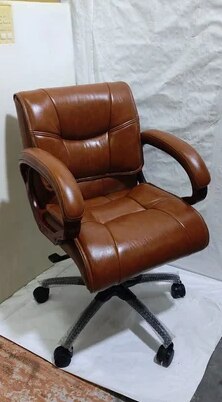 | Low Back Office Chair Leather Mid Back Office Revolving Chair ₹2500 Low Back Office Chair – Comfort Meets Productivity by INDI TECH ENGINEER Overview: Designed for professionals who seek the perfect balance between... View product → |
Build a Shortlist From Fit, Use Case, and Ownership Cost
Compare suppliers against the same loaded measurements, not photographs or “4D” labels. A gaming chair supplier checklist should record usable seat depth, seat-pan width between bolsters, seat-height range, backrest height, lumbar-adjustment range, recline range, armrest height and width, base diameter, caster size and quality, and rated user mass.
| Use case | Fit and layout priority | Supplier evidence to request |
|---|---|---|
| Keyboard and mouse | Flatter seat, adjustable depth, lumbar contact, arm support | Dimensional drawing and adjustment ranges |
| Controller or reclined play | Stable recline mechanism, head support, unobstructed leg position | Recline-lock details and cycle-test evidence |
| Tall or broad users | Loaded height range, seat width, backrest height, mechanism capacity | Measurements taken under load, not exterior dimensions |
| Small room or hard floor | Compact five-star chair base, controlled footprint, floor-safe casters | Base diameter, caster specifications, and floor guidance |
A deep bucket seat can trap different leg lengths, while a flat pan with depth adjustment fits more users. Check desk clearance and monitor alignment with the chair at its actual gaming height; a large base or long casters can collide with walls, pedals, or another player’s station.
For commercial gaming chair procurement, price the ownership system rather than the frame alone. Ask for written coverage of daily-use limits, commercial exclusions, upholstery, gas lift, mechanism, ESD components, and replacement arm pads, cylinders, casters, and controls.
- Reject suppliers that cannot state replacement-part availability and lead times.
- For ESD seating, request cleaning, humidity, verification, and approved-caster instructions; ordinary casters can invalidate the tested result.
- Treat a longer consumer warranty as weaker if it excludes daily commercial use.
Frequently asked questions
How should you specify a gaming chair?
Start with your leg length, desk height, monitor position, movement space, and the weight the chair must carry.
Are racing-style gaming chairs ergonomic?
A racing-style silhouette does not prove ergonomic quality. Compare seat dimensions, lumbar support, armrest adjustment, recline control, and movement freedom.
How can you judge gaming chair comfort?
Test the chair through a full gaming session and check pressure behind your knees, pelvic support, back contact, arm position, and heat buildup.
What should you ask a gaming chair supplier?
Request adjustment specifications, weight-rating evidence, warranty coverage, replacement-part availability, testing records, and clear maintenance instructions.
How do you compare gaming chair suppliers?
Build a shortlist using body fit, gaming use case, supplier evidence, warranty terms, replacement parts, and total ownership cost.
Related products
 | Office Chair Fabric Medium Back Executive Mesh Chair Inditech Engineer offers premium quality Fabric Medium Back Executive Mesh Chair, specially designed for offices, workstations, cabins, and modern... View product → |
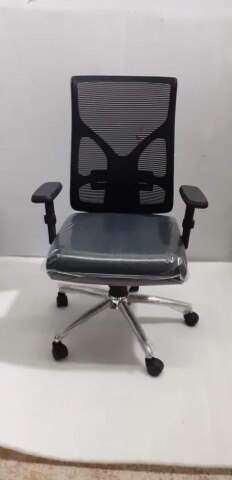 | Office Chair Fabric Low Back Office Fixed Arm Revolving Chair ₹2500 Comfortable. Compact. Cost-Effective. Upgrade your office seating with the Fabric Low Back Office Fixed Arm Revolving Chair from INDI TECH ENGINEER —... View product → |
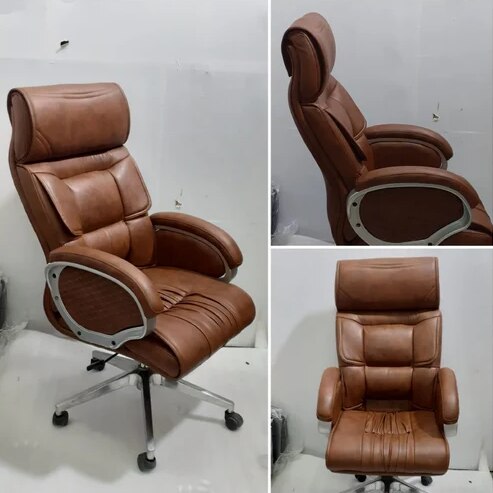 | Office Chair Brown Leather High Back Office Revolving Chair Brown Leather High Back Office Revolving Chair ₹4200 Brown Leather High Back Office Revolving Chair Premium Comfort | Executive Design | Long-Lasting Durability Upgrade your office seating experience... View product → |
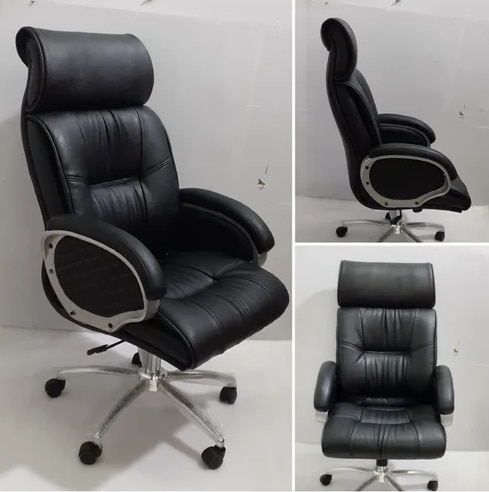 | Office Chair Black Leather High Back Office Revolving Chair ₹4500 Executive Style | Premium Comfort | Built to Last Add a touch of sophistication and authority to your office with the Black Leather High Back Office... View product → |