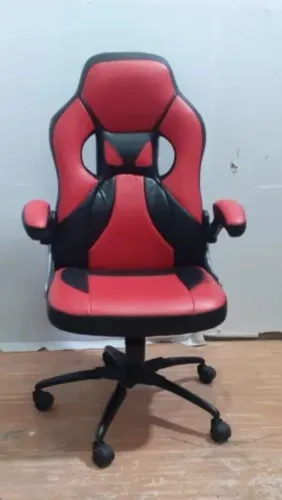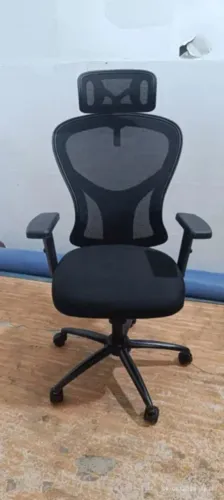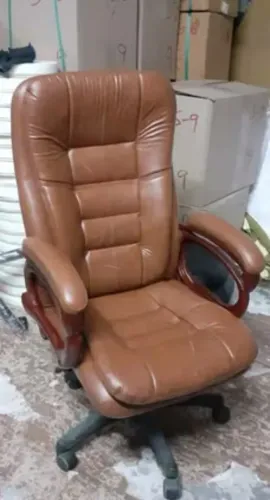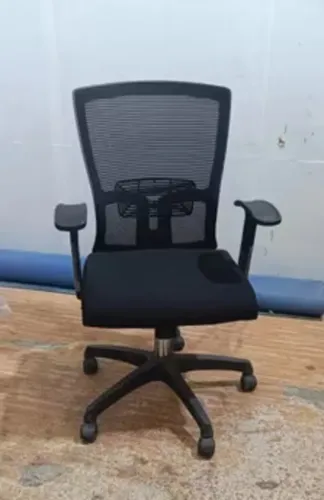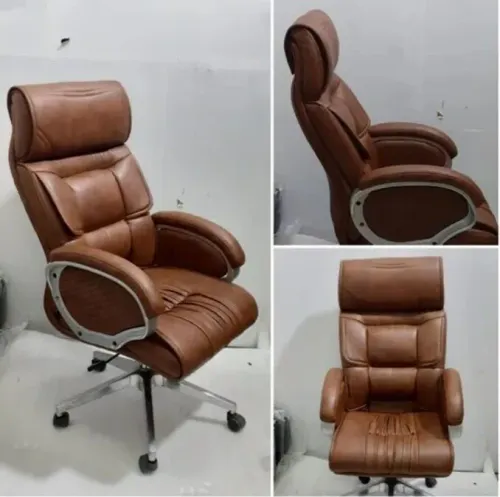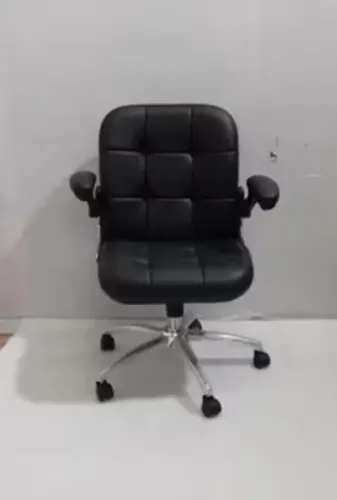
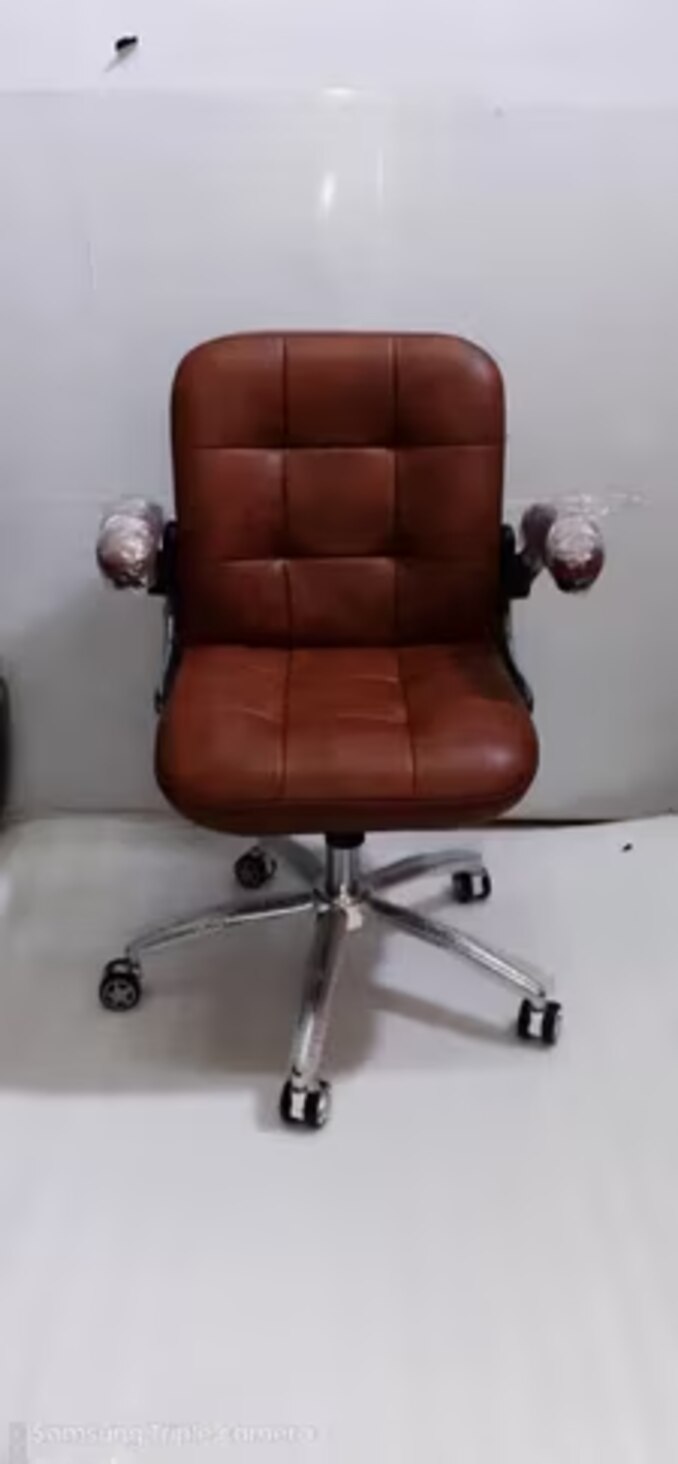
A low backrest is not automatically a sign of poor ergonomic design, but it is not suitable for every task or sitting duration. By checking the backrest’s actual support, the workstation’s dimensions, and the user’s movement pattern, you can decide when low-back seating is the better fit and when a mid-back design is safer.
Key takeaways
- Identify low-back chairs by lumbar support and backrest height.
- Choose low-back seating for frequent reaching, turning, or workstation access.
- Select mid-back support when upper-back contact matters during longer seated work.
- Test chair fit with your feet supported and workstation within easy reach.
What counts as a low back office chair?
A low back office chair has a backrest that ends around the lumbar region, below the shoulder blades, rather than rising into the upper torso. There is no universal height measurement: identify it by the support area and top edge, not by the chair’s overall size or label.
The low backrest definition is practical: the cushion should contact the inward curve above the pelvis and remain below the user’s shoulder blades when seated. It should provide lumbar support without pressing into the ribs or forcing the shoulders forward.
A tall back can still fail this test if its lumbar section sits too high or cannot be adjusted.
Check the user in the working posture, not while standing beside the chair. Their lower back should meet the padded or shaped section, while the upper back and shoulder blades remain free to turn and reach.
If the top edge catches the scapulae, or the seat is too deep to let the user reach the backrest, the chair is not providing a usable fit. A low backrest also does not provide shoulder blade support or head support; choose a higher design when that support is needed.
Why a low backrest can improve workstation access
A lower backrest gives your shoulders and upper torso more room to move. Without a bulky upper frame pressing against the scapulae, you can turn toward tools, lean closer to a display, and perform torso rotation without repeatedly catching the chair’s back.
It also improves desk clearance. You can pull closer to a work surface, slide partly beneath a bench, or reach across a narrow workstation with less interference behind your ribs and shoulders.
This matters in workstation seating where users alternate between keyboard work, inspection, handling parts, and standing; better bench access makes those short transfers less awkward.
The benefit is movement, not automatic back protection. A low backrest still needs to support the lumbar region, while the desk, monitor, and frequently used materials must sit at usable heights and distances. Poor setup can force raised shoulders or sustained neck and trunk flexion regardless of chair design.
For staff wearing tool belts, protective garments, or bulky closures, less upper-back structure also reduces snagging. The trade-off is reduced thoracic and shoulder support during reclined or prolonged sitting, so choose a higher adjustable backrest when users need to lean back or work for long uninterrupted periods.
Which work patterns suit low-back seating?
Reception seating, shared desks, and touchdown stations suit low-back chairs because users change position, reach across a surface, or leave the seat frequently. Staff seating also benefits when tool belts, protective clothing, garment closures, or bench-mounted equipment would catch on a taller backrest.
| Work pattern | Why low-back seating fits | Check before choosing |
|---|---|---|
| Reception or meeting areas | Easier turning, conversation, and visual openness | Users still need adequate lumbar support |
| Shared desks | Lower backrest bulk improves desk clearance for different users | Adjust seat height and depth for each person |
| Touchdown stations | Supports short task cycles and quick entry or exit | Do not use it to compensate for a high work surface |
| Bench-based staff seating | Reduces interference with PPE, tool belts, and workwear | Confirm the backrest does not obstruct the task |
Low-back seating is most defensible where mobility matters more than reclining or upper-torso support. It is a poor match for uninterrupted computer work, extended leaning back, prolonged viewing away from the main surface, or users who need adjustable lumbar and thoracic support.
A chair cannot fix a poorly placed monitor or materials; users will still bend the neck or trunk. For industrial staff seating, assess cleanability and chemical compatibility separately from ergonomic fit.
When should you choose a mid-back chair instead?
Choose a mid-back chair when the worker spends long, uninterrupted periods seated, needs support above the lumbar region, or frequently reclines. Choose a low-back chair when short task cycles, frequent reaching, or close bench access matter more than upper-torso support.
| Decision factor | Low-back choice | Mid-back choice |
|---|---|---|
| Sitting duration | Short sessions, shared desks, meetings, or regular movement | Prolonged computer work with few posture changes |
| Torso position | Upright work involving rotation, leaning, and close approach | Reclined sitting or extended viewing away from the primary work surface |
| User needs | Clear space for tools, protective clothing, and shoulder movement | Thoracic support, shoulder-blade contact, or a stronger sense of trunk support |
A mid-backrest gives the upper torso more contact during passive sitting, reducing the unsupported feeling that can develop when you lean back repeatedly. It suits users who need thoracic support, have a history of back discomfort, or cannot change position often; clinical conditions require individual professional guidance.
Do not select height alone. A low backrest with correct lumbar fit, adjustable seat depth, recline, seat height, and arm support can outperform a tall, fixed backrest. Check the user’s actual posture and task before deciding: poor monitor height or an over-high work surface will still force neck and shoulder strain.
The low back versus mid back choice should follow task duration and support needs, not appearance.
How to test a low-back chair at the workstation
Approve the chair only after the user completes a chair fit test at the actual workstation, wearing normal work shoes and performing the tasks done most often. A visually low backrest is acceptable if it supports the lumbar region without restricting reach or rotation.
1. Set seat height so both feet rest flat, thighs are broadly level, and the user can approach the work surface without raising the shoulders. If the feet dangle or the knees sit higher than the hips, the chair is too high.
2. Check seat depth with the user sitting fully back. Leave about two to three finger widths between the seat edge and the backs of the knees; excessive depth pushes the user forward and separates the lower back from the support.
3. Adjust the backrest and seat tilt adjustment while the user sits upright, leans toward the task, and turns to either side. The lumbar area should stay supported without the upper edge pressing into the shoulder blades or blocking movement.
4. Test the real reach zone, keyboard, tools, and frequently handled materials. Confirm that the user can keep the neck neutral, elbows near the body, and trunk supported; a chair cannot correct a worktop or monitor positioned too high or too far away.
Reject the fit if the user must perch on the front edge, twist continuously, or recline to find support. Recheck shorter and taller users separately.
What to specify before ordering low-back staff seating
Ask for a chair dimensional drawing before approving a sample. It should show seat-height range, seat depth, seat width, backrest height and angle, armrest clearance, base diameter, and caster footprint. Compare those figures with your work surface, knee clearance, and operator reach.
Check these adjustment and use details:
- Seat height must place feet flat while keeping elbows near work-surface height.
- Seat depth must leave clearance behind the knees; fixed depth can exclude shorter users.
- Specify lumbar support position, backrest recline, tilt lock, and armrest height or omit arms where they obstruct desk access.
- Request the upholstery material, approved disinfectant list, contact time, dilution, and resistance to oils or solvents. Do not assume conductive fabric survives aggressive cleaning.
- Ask for ESD chair verification using ANSI/ESD STM12.1, including the supplier’s resistance limits and test conditions. ANSI/ESD S20.20 governs the facility’s complete ESD-control program, not chair performance alone.
| Check | Verify | Failure avoided |
|---|---|---|
| Dimensions | Drawing and finished tolerances | Desk, knee, or aisle interference |
| Cleanability | Chemical compatibility and cleaning method | Damaged coating or changed surface resistance |
| ESD grounding | Chair, footwear, floor, and grounding path | A conductive chair that does not dissipate charge |
Inditech Engineer-Office Chair Manufacturer is one supplier you can ask to provide these documents before comparing models.
Related products
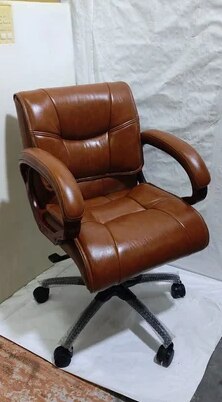 | Low Back Office Chair Leather Mid Back Office Revolving Chair ₹2500 Low Back Office Chair – Comfort Meets Productivity by INDI TECH ENGINEER Overview: Designed for professionals who seek the perfect balance between... View product → |
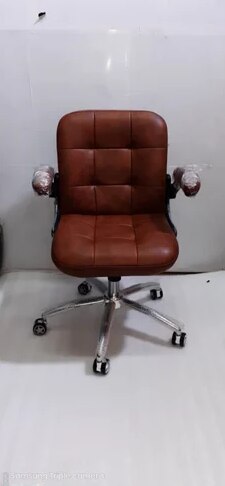 | Office Chair Brown Leather Office Low Back Revolving Chair ₹2500 Compact Comfort | Classic Design | Everyday Functionality The Brown Leather Office Low Back Revolving Chair by INDI TECH ENGINEER is designed to... View product → |
Frequently asked questions
What counts as a low back office chair?
A low-back chair has a backrest that ends around the lumbar region, below the shoulder blades. Identify it by the support area and top edge rather than a fixed height measurement.
Which work patterns suit low-back seating?
Low-back seating suits work that involves frequent reaching, turning, leaning forward, or moving between nearby workstation areas while still needing lumbar support.
When should you choose a mid-back chair instead?
Choose a mid-back chair when you want support extending higher into the thoracic or upper-back area, particularly for work involving longer periods of seated contact with the backrest.
How do you test a low-back chair at the workstation?
Sit with your feet supported, place your lower back against the backrest, and check that the seat height, desk clearance, reach, and movement remain comfortable during real tasks.
What should you specify before ordering low-back staff seating?
Specify the work pattern, user height range, seat height and depth, lumbar support, adjustment options, upholstery, base and casters, floor type, and any cleaning or static-control requirements.
Related product
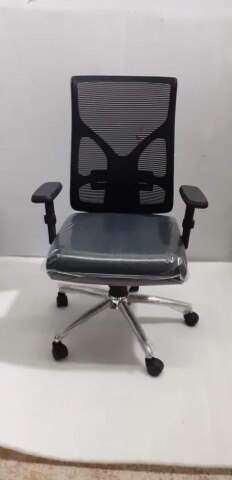 | Office Chair Fabric Low Back Office Fixed Arm Revolving Chair ₹2500 Comfortable. Compact. Cost-Effective. Upgrade your office seating with the Fabric Low Back Office Fixed Arm Revolving Chair from INDI TECH ENGINEER —... View product → |