A chair can leave you uncomfortable even when it has thick padding, a tall backrest or an ergonomic label. By matching the chair to your body and setting the desk, monitor and arm supports as one system, you can reduce forced reaching, knee pressure and forward-head posture while still changing position throughout the day.
Key takeaways
- Adjust chair height until your feet rest flat and knees sit near hip level.
- Align the monitor with your seated head position, not the desk surface.
- Choose a chair that supports movement rather than locking you into one pose.
- Specify adjustable features for your team’s body sizes, tasks and workplace conditions.
Start with the fit: feet, knees, hips and lower back
The chair should give you a stable base from the floor upward, with chair height adjusted to your body rather than to a fixed posture.
- Set chair height so both feet are flat on floor, not dangling or resting only on their toes.
- Keep your knees near a 90-degree angle, with your hips level with or slightly above your knees.
- Leave space between the seat edge and the backs of your knees. Pressure there can restrict circulation and make you slide forward.
- Use a footrest for a shorter user instead of raising the seat until the feet lose contact with the floor.
Seat depth matters as much as height. If the pan is too deep, you cannot sit against the backrest without the front edge pressing behind your knees; choose a sliding pan or a short enough minimum depth.
Position the lumbar support inside the inward curve of your lower back, then adjust its height and depth until it supports rather than pushes your pelvis forward. A large fixed pad can create pressure for users with shorter or longer torsos.
The backrest should recline while maintaining contact with your back, rather than locking you into one rigid angle. Keep armrests low enough that your shoulders stay relaxed and close to the desk; remove them from the task if they block access.
Set the chair and monitor as one posture system
Set the chair before adjusting the monitor; otherwise you may raise your shoulders or bend your neck to compensate for a poor base.
1. Lower or raise the seat until both feet rest flat on the floor, your knees sit near 90 degrees, and your hips are level with or slightly above your knees. If your feet dangle, use a footrest rather than perching on a high seat.
2. Slide the seat pan forward or backward so it supports your thighs without pressing behind the knees. Leave a small gap between the seat edge and each knee.
3. Adjust the backrest and lumbar support to contact your lower back while your pelvis stays against the backrest. Use an upright angle for keyboard work, then recline modestly for reading; do not force your spine into one rigid position.
4. Set the desk, keyboard and mouse close enough to keep your elbows close to torso. Raise or lower the armrests until your shoulders remain relaxed, and remove or narrow them if they stop the chair from approaching the desk.
5. Set the monitor position so the screen is directly in front of you, about an arm’s length away, with the top of monitor near eye level. Move documents beside the screen instead of repeatedly dropping your head to the desk.
6. Check the whole alignment: head balanced over shoulders, shoulders over pelvis, knees level, and forearms supported without reaching. Recheck after moving the chair, desk or screen.
Support movement instead of forcing one perfect pose
Better posture during a long workday comes from changing position while staying supported, not from holding one neutral posture for eight hours. Use an upright position for close desk work, then recline modestly when reading or joining a meeting.
A backrest with synchro tilt lets the seat and back move together, preserving contact as you shift your trunk angle. Set the recline tension so you can move without bracing against the mechanism or being pulled backward. A lock-only backrest removes that movement and encourages static sitting.
Change tasks so your body is not loaded in the same position all day. Move from close desk work to an activity that lets you lean back, and place documents where you can read them without reaching your neck forward.
Build standing breaks into the work plan:
- Stand to review a page or check a nearby workstation.
- Walk during a phone call.
- Use a sit-stand desk for part of a task.
A premium chair reduces pressure; it does not cancel prolonged sitting. If you push constantly against the backrest, feel the seat edge behind your knees, or lose foot contact during recline, adjust seat depth, height, or recline tension.
The useful test is simple: can you change position while your feet remain supported and your back stays in contact?
Compare posture-related features, not visual styling
Choose adjustment range over an aggressively shaped “posture-correcting” shell. A fixed lumbar bulge can push a short-torso user’s pelvis forward, while a flat backrest can leave a tall user unsupported. Compare the features by task and body fit:
| Feature or material | Posture-related effect | Best match and warning |
|---|---|---|
| Adjustable lumbar support | Positions pressure at the user’s lumbar curve instead of forcing one location | Useful for mixed-height users; adjust height and depth until support feels broad, not sharp |
| Seat-slider adjustment | Changes usable seat depth so the back stays supported without the front edge pressing behind the knees | Valuable for long-legged users; excessive depth makes shorter users slump or lose foot contact |
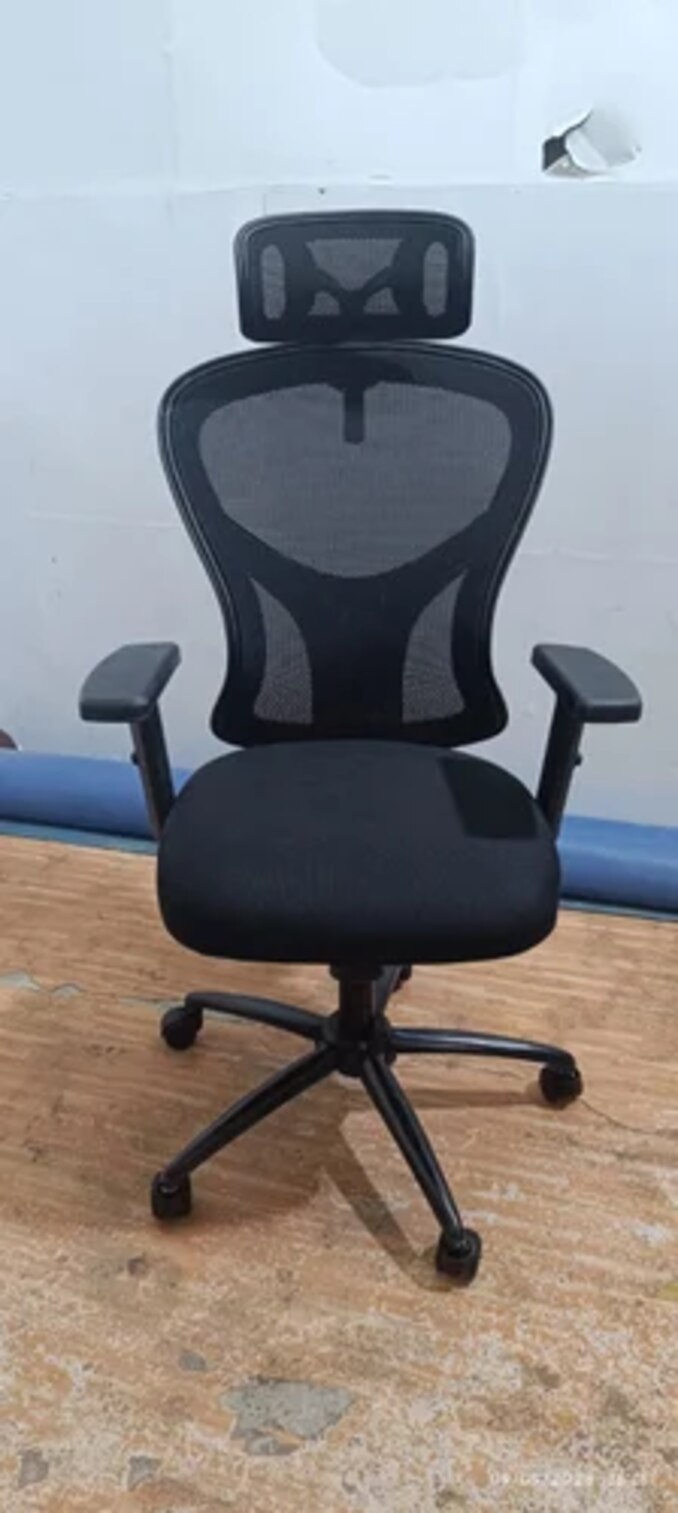
| Mesh backrest | Spreads contact and releases heat, but offers less shaped pressure control | Suits warm rooms and active recline; check that its tension supports the upper back |
| Foam seat | Distributes pressure and feels stable during keyboard work | Choose supportive, resilient foam; a soft cushion can let the pelvis roll backward |
| Adjustable armrests | Keep elbows near the torso without lifting the shoulders | Set height and width for keyboard work; arms that block desk approach encourage forward leaning |
| Backrest recline | Lets you alternate upright work with modest reclining while maintaining back contact | Prefer free movement or tension control over a lock-only mechanism |
| Headrest position | Supports the head during reclined reading or meetings, not ordinary forward keyboard work | Set it behind the neck; a forward headrest can push the head toward the screen |
No chair compensates for a monitor that is too low, a keyboard placed beyond reach, or poor document placement. Set those items so you do not lean forward, then test the chair through typing, reading and reclining.
Specify a chair that fits real users and the workplace
A chair that fits one body can fail across a shared workplace. Verify these dimensions before comparing upholstery or styling:
- Minimum and maximum seat height, so shorter users keep both feet flat and taller users avoid compressed knees.
- Usable seat depth, with a sliding pan or short enough minimum depth to prevent the front edge pressing behind the knees.
- Backrest height and lumbar support height and depth, because a fixed, prominent pad can push a shorter torso forward.
- Armrest height and width, allowing elbows near the body without blocking access to a fixed-height desk.
- Recline resistance range, so lighter and heavier users can lean back without fighting the mechanism.
Match the chair to the workstation, not just the user. Check that the lowest seat setting works with the desk height, that armrests clear the desktop, and that the monitor can reach near eye level without forcing neck flexion.
A chair that passes EN 1335 or ANSI/BIFMA chair standards has met dimensional, safety, durability, or test-method requirements; those standards do not prove good posture for every user.
For ESD-controlled work, request electrical resistance specifications and the chair’s test method separately. ANSI/ESD S20.20 and IEC 61340-5-1 address the facility’s ESD control program and verification, not ergonomic certification of a chair.
If comparing options from Inditech Engineer-Office Chair Manufacturer, ask for those resistance records alongside adjustment dimensions, then confirm the chair suits your grounding and flooring system. Pair the choice with movement breaks and sit-stand options; no chair removes the cost of prolonged sitting.
Related products
 | Low Back Office Chair Leather Mid Back Office Revolving Chair ₹2500 Low Back Office Chair – Comfort Meets Productivity by INDI TECH ENGINEER Overview: Designed for professionals who seek the perfect balance between... View product → |
 | Revolving Office Chair Mid Back Revolving Office Chair ₹4000 Ergonomic Comfort & Flexibility by INDI TECH ENGINEER Overview: The Mid Back Revolving Office Chair from INDI TECH ENGINEER is expertly designed to... View product → |
Frequently asked questions
How should you adjust an office chair for better posture?
Set the height so your feet rest flat, knees remain near hip level, hips stay supported, and the lower back contacts the backrest.
How should you position the monitor with an ergonomic chair?
Set the chair and monitor together so the screen supports a neutral head and neck position without forcing you to lean forward.
Should an ergonomic office chair hold one perfect posture?
No. A suitable chair supports controlled movement and lets you change position during long working hours.
Which chair features matter most for posture support?
Compare seat-height range, seat depth, lumbar support, backrest movement, armrest adjustment and compatibility with the desk.
Related products
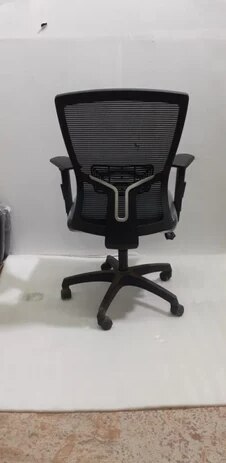 | Office Chair ₹3000 Ergonomic Design | Breathable Mesh | Dynamic Mobility Experience the perfect blend of comfort, airflow, and modern design with the Mesh Chair... View product → |
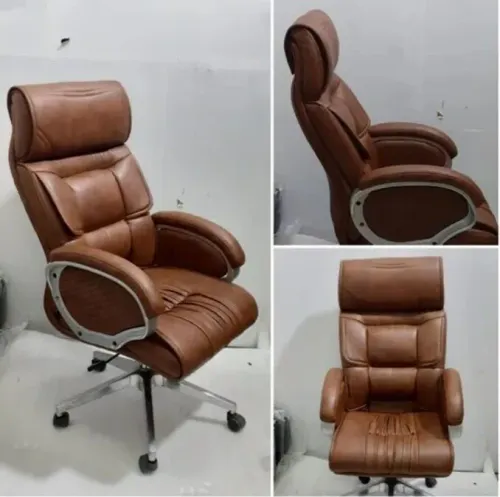
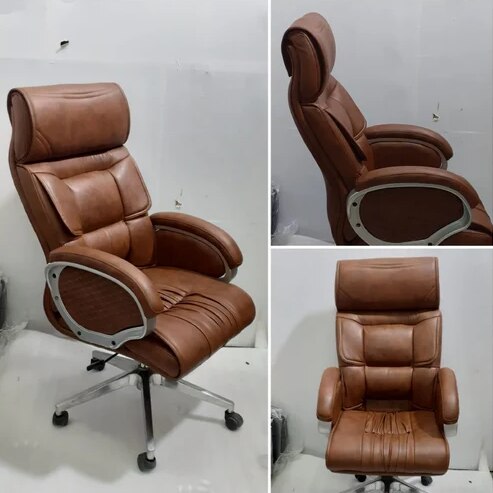 | Office Chair Brown Leather High Back Office Revolving Chair Brown Leather High Back Office Revolving Chair ₹4200 Brown Leather High Back Office Revolving Chair Premium Comfort | Executive Design | Long-Lasting Durability Upgrade your office seating experience... View product → |
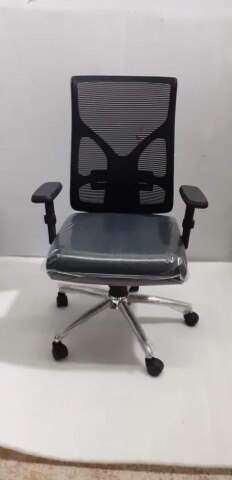 | Office Chair Fabric Low Back Office Fixed Arm Revolving Chair ₹2500 Comfortable. Compact. Cost-Effective. Upgrade your office seating with the Fabric Low Back Office Fixed Arm Revolving Chair from INDI TECH ENGINEER —... View product → |
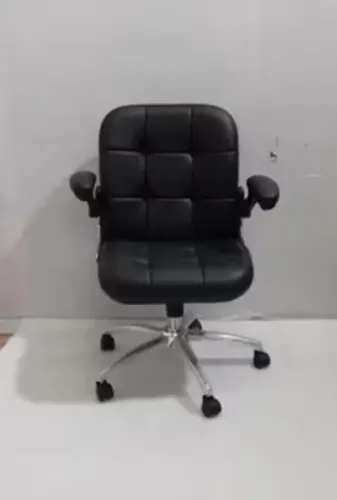
 | Office Chair ₹2500 Modern Appeal | Easy Maintenance | Everyday Comfort Discover the perfect combination of style, durability, and value with Leatherette Office Chairs... View product → |