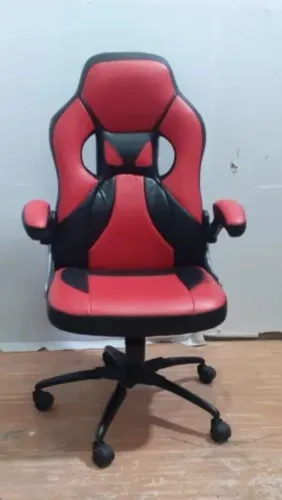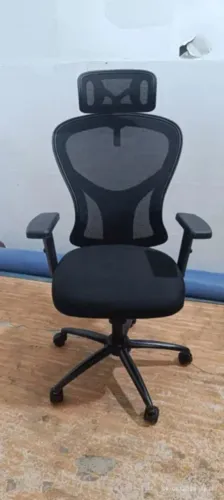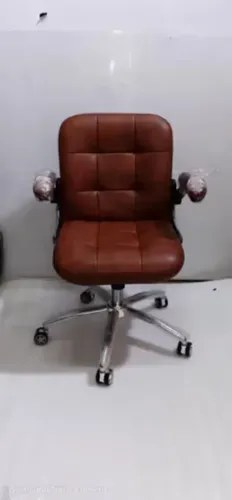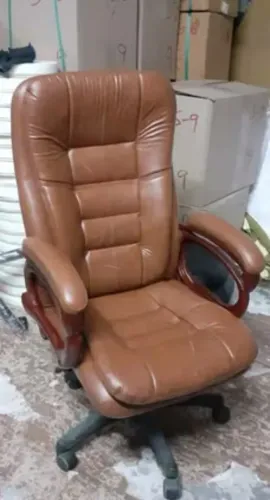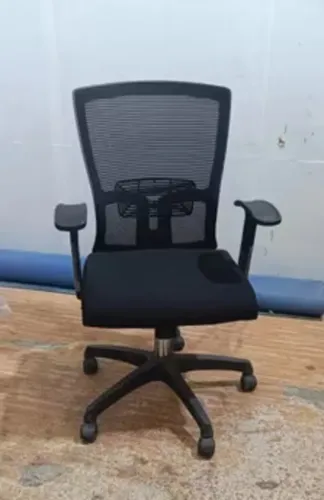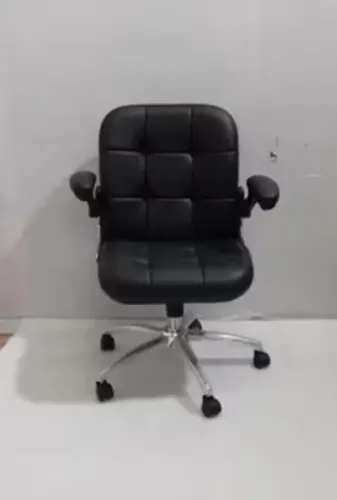
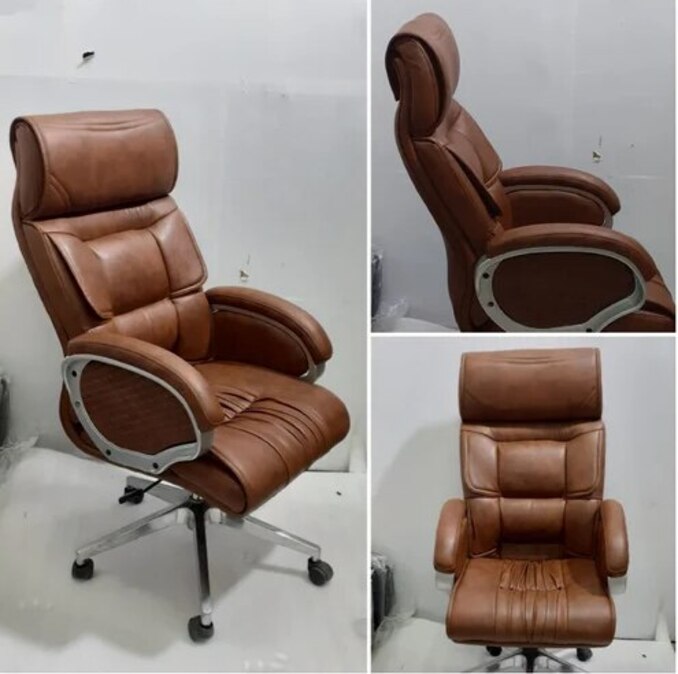
A tall backrest is useful when your work includes reclining, reading, calls, or sustained upper-back contact, but height alone does not establish ergonomic fit. By the end, you will be able to measure the chair against your body, workstation, posture, task pattern, and—where relevant—ESD controls before choosing high-back seating.
Key takeaways
- Define extended desk work by continuous and total daily sitting time.
- Check lumbar, shoulder and head support against your body dimensions.
- Compare recline, seat depth and armrest adjustment—not backrest height alone.
- Specify grounding, upholstery and maintenance requirements for ESD work areas.
Define extended desk work before choosing a high back
Treat extended desk work as roughly two or more continuous hours seated at one stretch, or six or more total hours at a workstation during the day. That amount of exposure makes support during posture changes more important than appearance.
A high-back office chair is worth considering when your work includes sustained screen use alongside periods of reclining, reading, calls, drawing review, or conversation.
| Activity | Posture demand | When a high back earns consideration |
|---|---|---|
| Long computer sessions | Mostly upright keyboard and mouse work | Choose it for upper-back fatigue or frequent posture changes, but judge lumbar fit and movement before height |
| Reading, drawing review, or calls | Reclined or semi-reclined viewing | Strong case for a reclining office chair with support through the thoracic region and shoulders |
| Mixed desk and conversation work | Repeated shifts between screen, papers, and people | Useful when the backrest supports several working angles instead of forcing one upright position |
A high back supports more of the upper back and shoulder region; it does not automatically support the neck or head. A separate headrest must contact the head without pushing it forward.
For mainly upright typing, a tall back alone proves little: a mid-back chair with better lumbar placement, seat depth, arm support, and recline control can be the better choice. Choose the high-back design when you will actually use its added support during long computer sessions, not simply because the backrest reaches higher.
Check what the backrest supports and whether it fits your body
Start with the seat, not the top of the backrest. Sit fully against the chair and keep 1–2 inches between the seat’s front edge and the backs of your knees; this seat depth clearance prevents pressure behind the knees. A deep pan that removes this gap makes the chair unsuitable, especially for shorter users.
| Area | Fit check | Failure sign |
|---|---|---|
| Upper back | The backrest contacts your thoracic area while you sit upright and reclined. | Your shoulders round forward or your upper-back support disappears when you recline. |
| Shoulders | The backrest supports the shoulder region without pushing your shoulders forward. | Shoulder blades hit a hard edge, or the chair restricts arm movement. |
| Lumbar | Adjustable lumbar support sits in the inward curve just above your belt line. | The cushion presses into your ribs or leaves your lower back unsupported. |
| Neck and head | Treat a headrest as a separate feature; it should support your head only when reclined. | A tall back stops below your neck, or a headrest forces your head forward. |
| Seat and legs | Feet rest flat, thighs stay approximately level, and knees remain near 90 degrees. | You raise the chair for the desk and lose foot support. |
| Arms and desk | Armrests leave elbows near 90 degrees; the keyboard stays at elbow height and the screen near eye level. | You lift your shoulders or bend your wrists to reach the work surface. |
Test the chair in your actual working posture. Adjustable back height and angle, plus a reclining or synchronized mechanism, matter more than extra backrest height for upright keyboard work.
Compare posture support by mechanism, not by backrest height
A high-back versus low-back chair should be judged by how it supports your posture while you work, not by how far the upholstery rises. During upright keyboard work, compare lumbar fit, seat depth, arm support, and backrest movement before choosing a taller shell.
| Option | What to compare during real work | Better result |
|---|---|---|
| High-back chair | Recline support for reading, calls, reviewing drawings, and shoulder movement | Supports the thoracic region without pushing your head forward |
| Mid-back chair | Upright typing, mouse work, and frequent movement away from the chair | Keeps the lumbar curve supported while leaving the shoulders and neck free |
| Low-back chair | Short tasks or work requiring unrestricted upper-body movement | Does not force you to work without lower-back support |
| Any height | Recline force, backrest angle, and tilt lock positions | Lets you change posture instead of holding one rigid position |
A synchro mechanism, which moves the seat and backrest together, usually supports extended work better than a rigid back. Test it at the desk: recline without losing screen position, keep your feet flat, and check that your elbows remain near 90 degrees. A backrest that locks only fully upright can make a tall chair tiring.
Check the lumbar pad against your lower-back curve, then sit fully back with 1 to 2 inches between the seat edge and your knees. A headrest is useful only if you recline or need intermittent neck support; if it touches your head during typing, it can restrict normal movement.
Recognise when a high-back chair creates new problems
A high-back chair is the wrong choice when its size prevents a neutral working position. A deep seat pan is a warning for shorter users: sit fully against the backrest and keep roughly 1–2 inches between the seat edge and the backs of your knees.
If you cannot, choose a shallower seat or adjustable seat depth.
Reject the chair if any of these checks fail:
- Your feet cannot rest flat while your thighs stay approximately level, forcing you to raise the chair for the desk or lower it and elevate your shoulders.
- The fixed back misses your lumbar curve, even though it reaches your shoulders; look for adjustable lumbar support, backrest height, and recline angle.
- Armrests cannot move low or narrow enough to let you approach the desk, because they will make you reach forward. OSHA treats armrests as optional.
- The headrest blocks your natural head position or lacks useful headrest adjustment, especially when you work upright rather than reclined.
A bulky high back also creates problems in a hot-desk workstation, where large dimensions hinder sharing and a fixed setup rarely suits the next user.
In warm production offices or clean areas, heat-retaining padding can make long shifts uncomfortable; breathable upholstery helps only if it remains cleanable, snag-resistant, chemically compatible, and suitable for the room’s ESD controls. An ESD label alone cannot establish compliance with ANSI/ESD S20.20 or IEC 61340-5-1.
Specify high-back seating correctly for ESD work areas
Verify the complete electrical path, not just a catalogue label or one resistance figure. An ESD high-back chair must work within the site’s personnel-grounding and electrostatic-control plan; the chair cannot make a workstation compliant by itself.
Ask the supplier for evidence covering:
- Upholstery, foam, frame, casters or glides, and the intended contact path from the seated user to the floor or ground.
- Testing against ANSI/ESD STM12.1, including the test configuration and results, not only a quoted resistance value.
- Compatibility with the grounding, footwear, flooring, work-surface, training, and verification controls required by ANSI/ESD S20.20 or IEC 61340-5-1.
- Cleanability, snag resistance, and chemical compatibility for the laboratory or cleanroom’s disinfectants and processes.
- Performance after cleaning and across the chair’s adjustment range, because moving parts and replacement upholstery can interrupt the path.
Check the workstation’s actual grounding arrangement before purchase. A chair designed for conductive footwear and an ESD floor is not automatically suitable where operators use wrist straps, insulating footwear, or a different floor system.
High-back upholstery also holds more heat and creates more contact area during long shifts. Mesh or breathable textile can improve comfort, but verify that its surface still meets the required ESD specification and survives the site’s cleaning agents.
Inditech Engineer-Office Chair Manufacturer can be asked for this application-specific test documentation rather than a generic “ESD” claim.
Related products
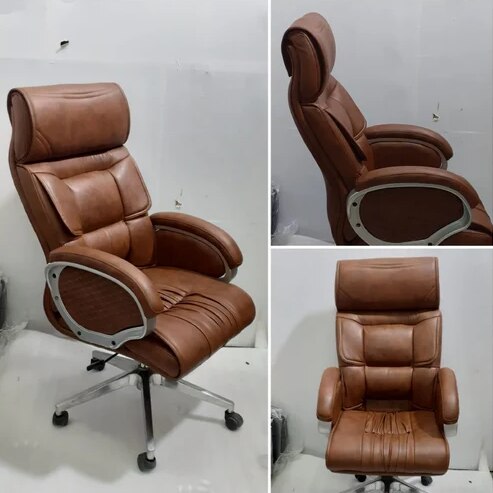 | Office Chair Brown Leather High Back Office Revolving Chair Brown Leather High Back Office Revolving Chair ₹4200 Brown Leather High Back Office Revolving Chair Premium Comfort | Executive Design | Long-Lasting Durability Upgrade your office seating experience... View product → |
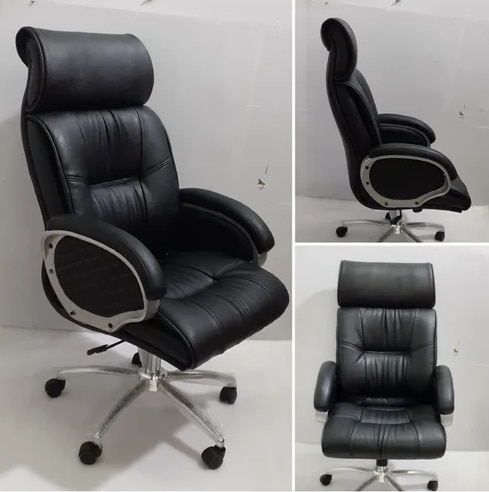 | Office Chair Black Leather High Back Office Revolving Chair ₹4500 Executive Style | Premium Comfort | Built to Last Add a touch of sophistication and authority to your office with the Black Leather High Back Office... View product → |
Frequently asked questions
What counts as extended desk work when choosing a high-back chair?
Use two or more continuous hours seated at one stretch, or six or more total workstation hours during the day.
What should you check on a high-back chair’s backrest?
Check lumbar, thoracic, shoulder and head support, then confirm the backrest fits your torso without restricting movement.
Does a taller backrest provide better posture support?
No. Compare recline tension, lumbar adjustment, seat depth, armrest position and movement support alongside backrest height.
What should you specify for high-back seating in an ESD work area?
Specify static-dissipative materials, a documented resistance range, conductive casters or glides, grounding paths and a maintenance test procedure.
Related products
 | Revolving Chair Maroon High Back Leather Office Chair ₹3000 ₹ 3,000/PieceGet Latest Price Arm Type Adjustable Arm Back Type High Back Height Adjustable Yes Seat Material Leather Warranty 1 Year Frame Material... View product → |
 | Office Chair Brown Leather High Back Office Chair Inditech Engineer offers premium quality Brown Leather High Back Office Chair, designed for executives, managers, professionals, and corporate... View product → |