Long periods of desk work can make small seating problems increasingly noticeable. An unsuitable backrest, poorly positioned armrests, incorrect seat height, or limited movement can affect how comfortably someone works throughout the day.
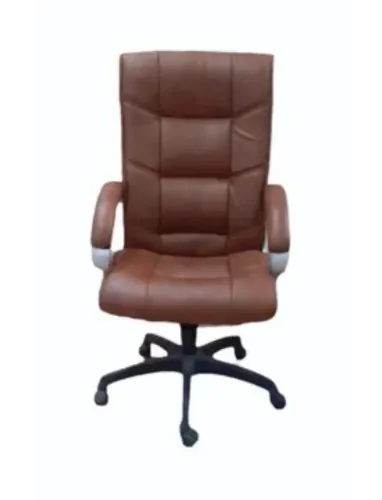
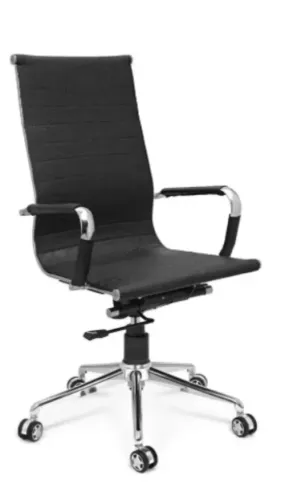
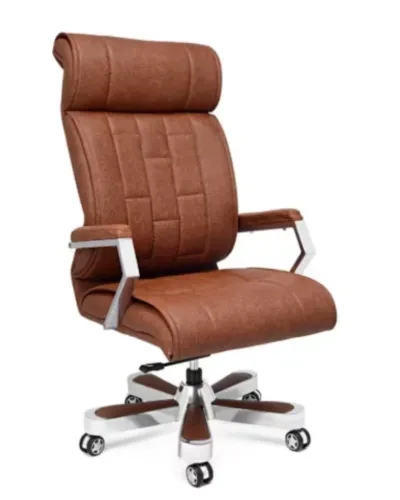
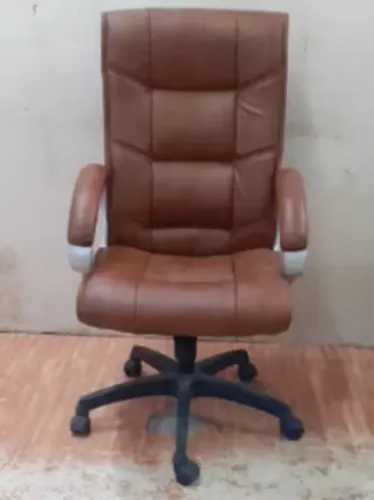
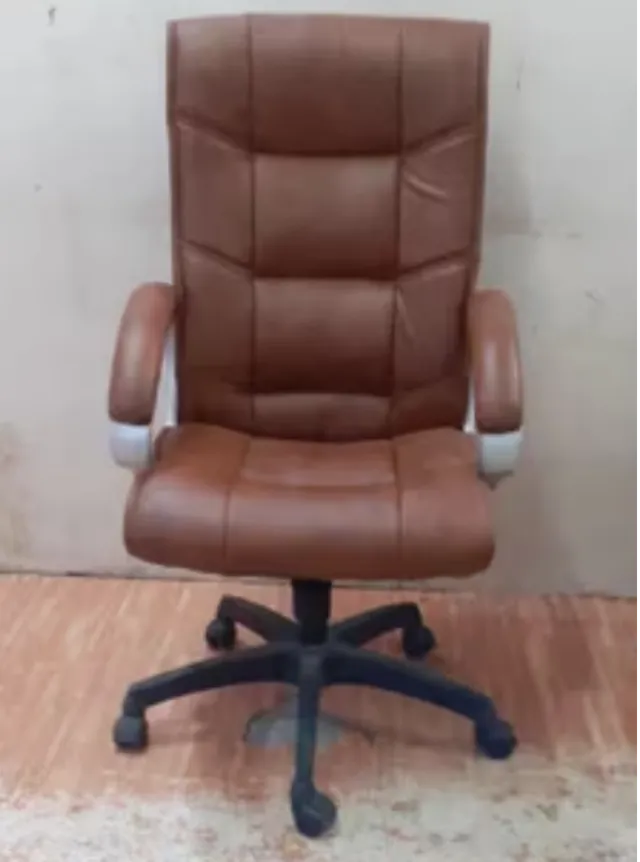
A High Back Office Chair provides a larger back-supporting surface than many low-back and mid-back designs, making it worth considering for employees whose roles involve prolonged desk work.
What Defines a High Back Chair
The distinction primarily relates to the height and coverage of the backrest.
A high-back design generally extends farther up the user's back and may incorporate shoulder, upper-back, or head support depending on the model.
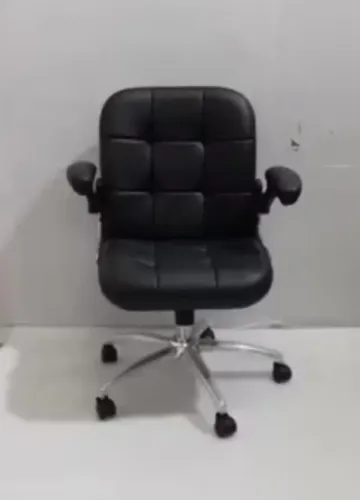
This differs from compact task chairs that focus primarily on the lower and middle back.
The appropriate choice depends on sitting duration, work activity, user preference, available space, and adjustability.
Consider the Entire Sitting Position
Backrest height should never be evaluated alone.
A well-planned workstation combines chair adjustment with appropriate desk and monitor positioning. Users should be able to sit comfortably while accessing the keyboard, mouse, telephone, and other regularly used equipment.
Important chair characteristics can include:
- Adjustable seat height
- Supportive backrest contour
- Appropriate seat width and depth
- Armrest positioning
- Tilt movement
- Stable base construction
- Suitable upholstery
- Smooth adjustment controls
A high backrest cannot compensate for a seat that is fundamentally the wrong size for the user.
Different Roles Create Different Requirements
IT professionals, analysts, designers, managers, customer-support employees, and administrative staff can all spend long periods at desks, but their movement patterns may differ.
Someone working across several screens may value easy rotation and adjustable arm support. A manager alternating between computer work and meetings may place greater importance on backrest support and tilt.
Delhi companies furnishing mixed-use offices should therefore avoid assuming that one specification automatically suits every department.
Allow Employees to Adjust Their Seating
Even a carefully selected chair can be uncomfortable when incorrectly configured.
Start by adjusting the seat height relative to the desk. The user should then assess backrest support, arm position, and tilt according to the chair's available controls.
Employees who have used a very different chair previously may need time to identify their preferred settings. This is an adjustment process rather than a recovery requirement.
Regular Maintenance Protects Performance
Commercial chairs experience repeated movement and loading.
Businesses should periodically inspect moving parts, fasteners, casters, upholstery, armrests, and adjustment controls. Damaged components should not simply be ignored because the chair remains usable.
Dust and debris around casters can interfere with smooth movement, while loose components can affect stability.
Inditech Engineer supplies workplace seating for commercial environments in Delhi, where high-back configurations can be considered alongside other chair styles based on job role and workstation requirements.
Common Questions About High Back Chairs
Are high-back chairs only intended for executives?
No. They can also be suitable for employees who prefer greater back coverage during extended desk work.
Do all high-back chairs include headrests?
No. Designs vary, and some provide a tall backrest without a separate headrest.
Will a high-back chair fit a small workstation?
Possibly, but overall chair width, depth, armrests, base size, and movement clearance should be measured first.
The value of a high-back chair lies not simply in its size, but in how effectively its dimensions, adjustments, and support characteristics match the person and workstation using it.
Keywords